



01 · Logins
One login instead of twenty.
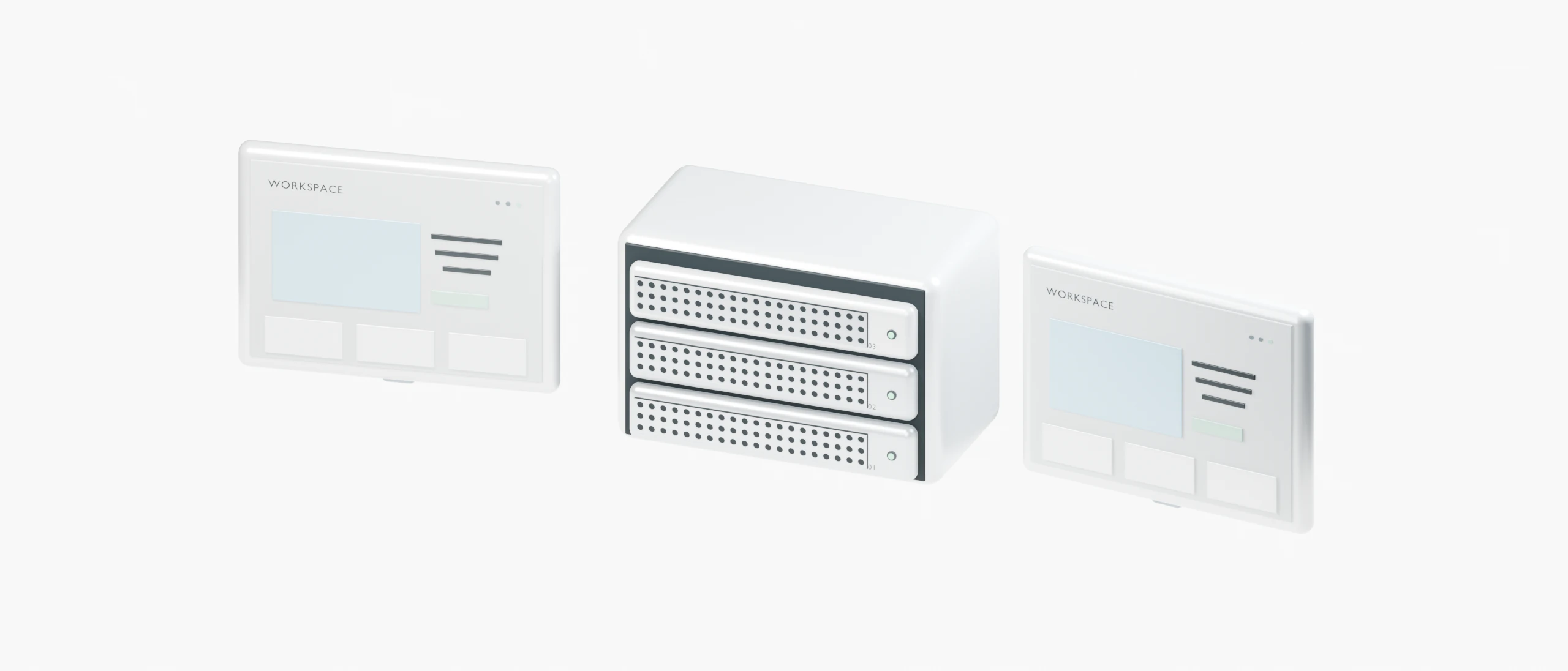
No hosting account per client. Keep client sites in your workspace, or join the client’s own workspace and switch between them from the account menu.




Stop juggling a hosting account per client. Run WordPress and app sites on servers you control, give your team the right access, let clients look without touching, and know what every server costs.
Workspaces
Sites
Servers
People
No hosting account per client. Keep client sites in your workspace, or join the client’s own workspace and switch between them from the account menu.
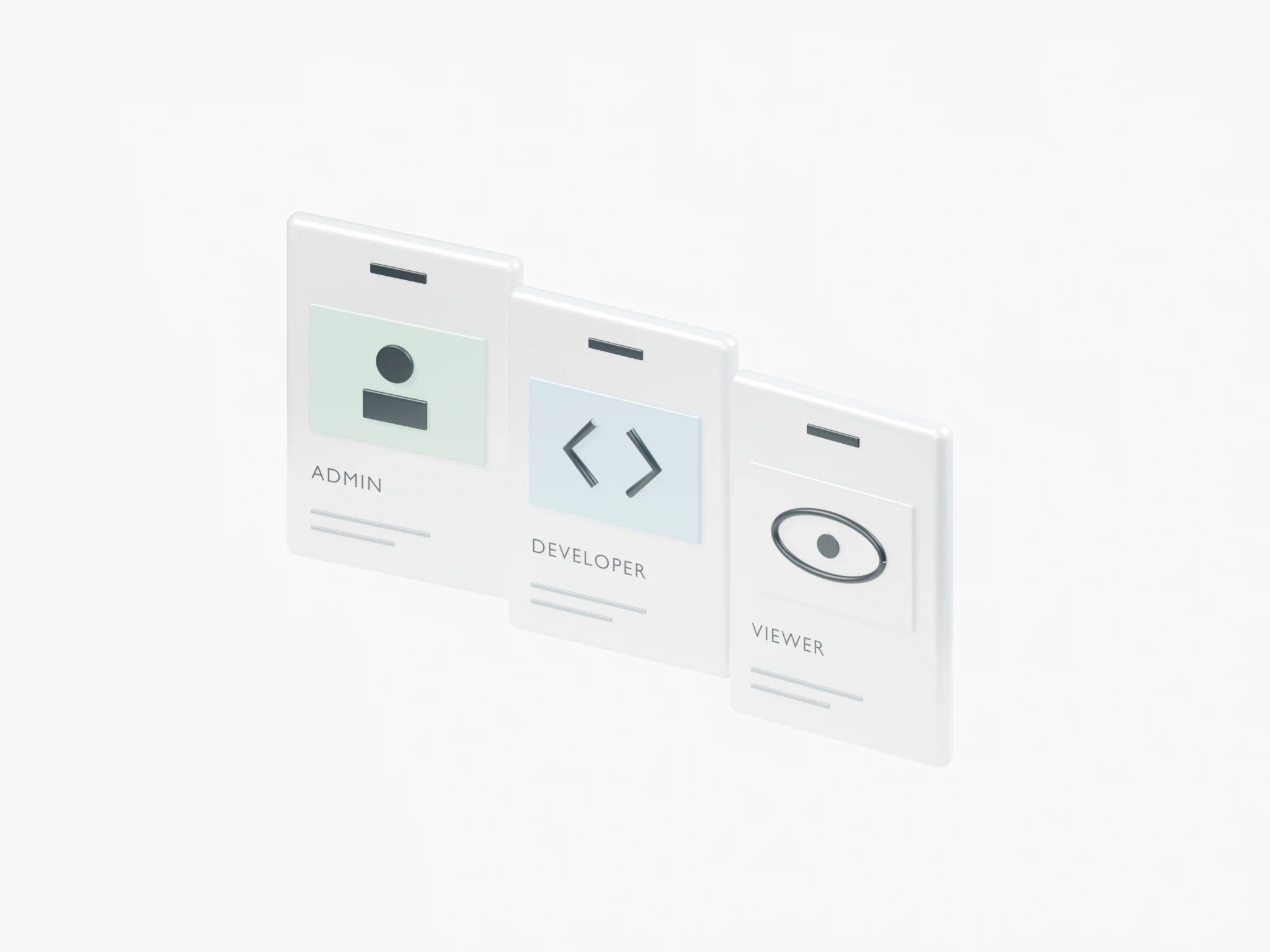
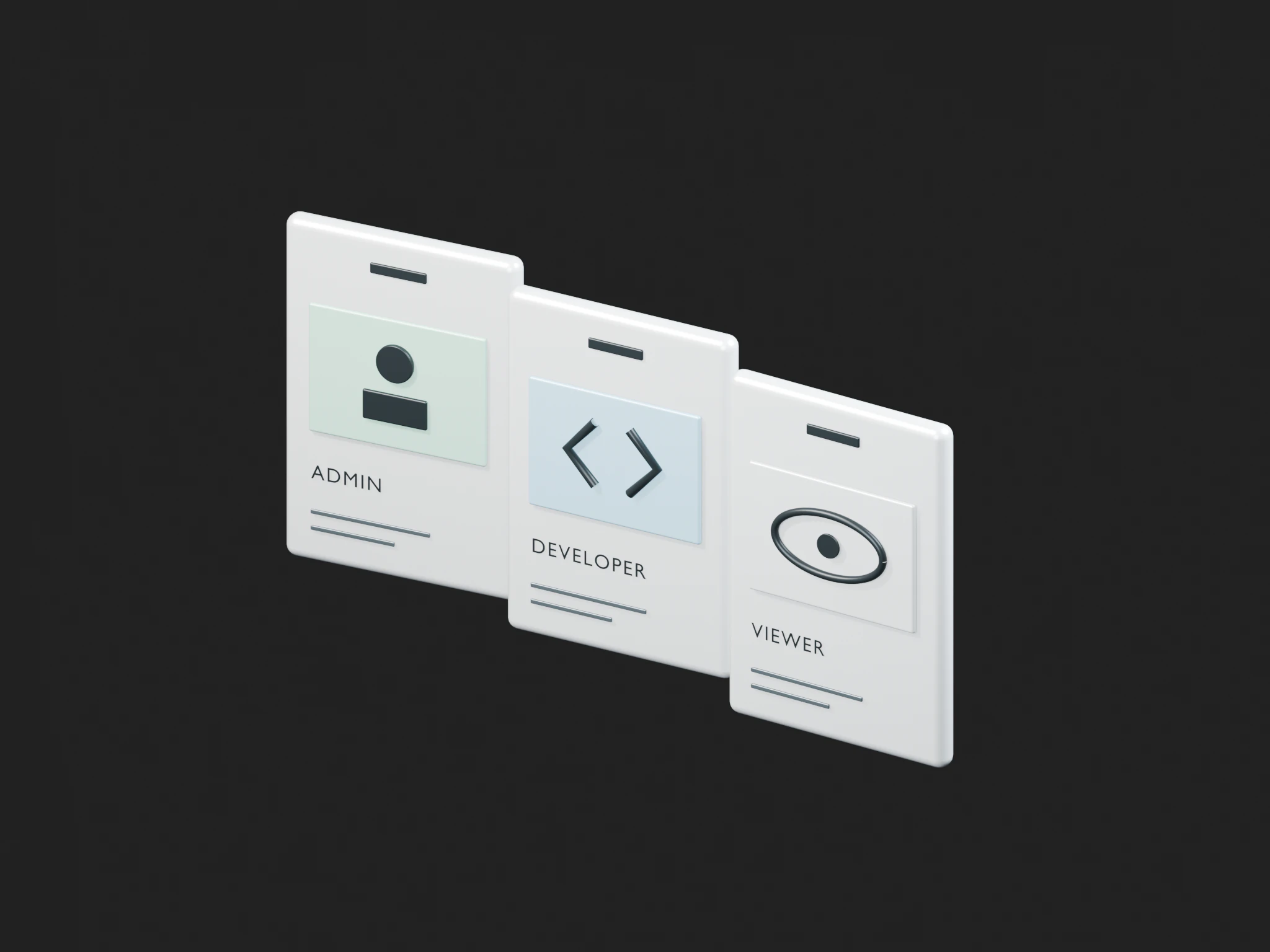
Everyone on the team has their own role, and WordPress logins are single-use links created on the site page.
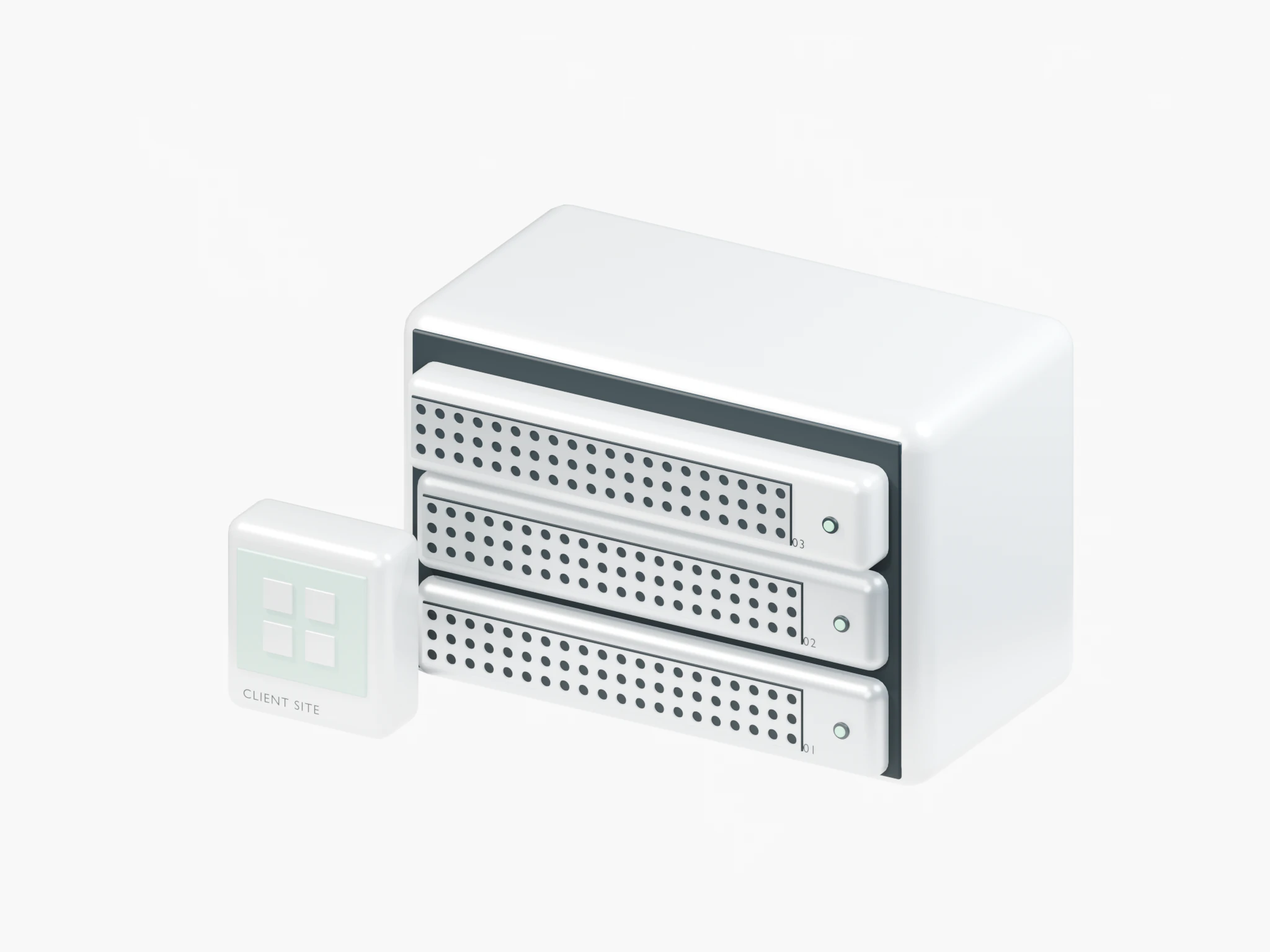
Not whatever each host happens to keep: your schedule, your bucket, one-click restore for every client site.
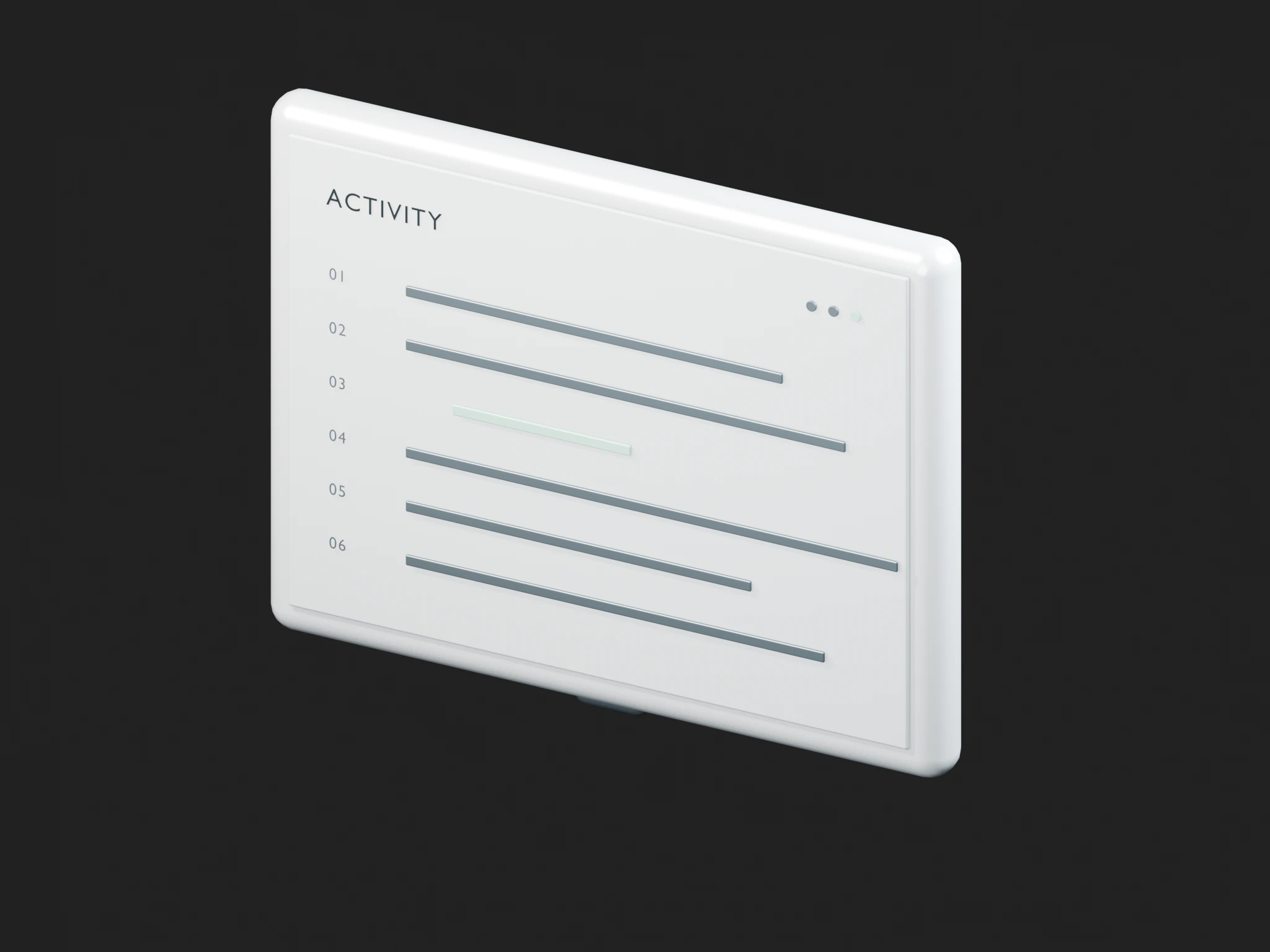
Deploys, backups and settings changes land in an activity log, so there’s no guesswork after something breaks.
Three roles out of the box. Change what each one can do if your team works differently.
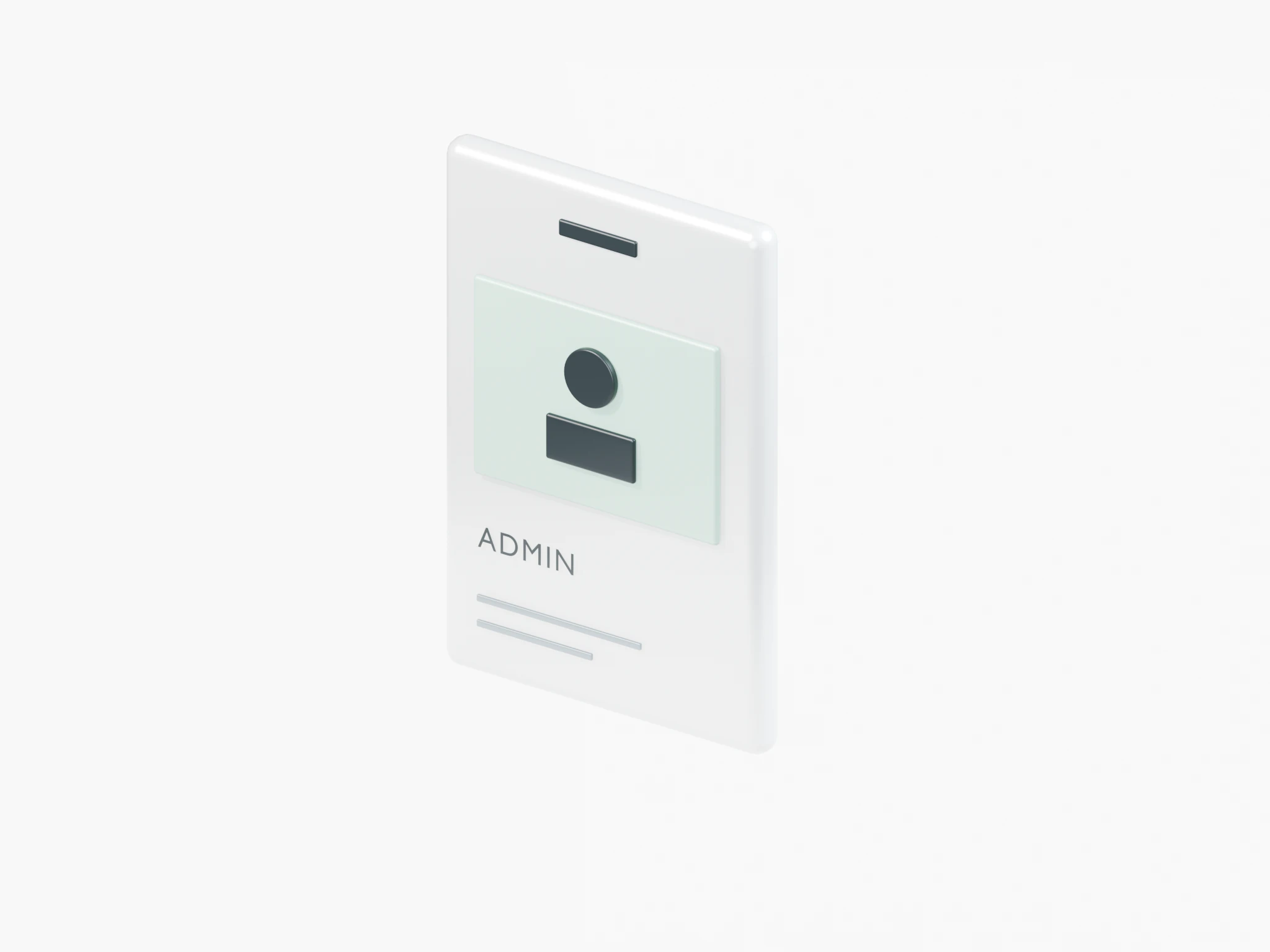
You and your partners. Manage everything, including who’s on the team.
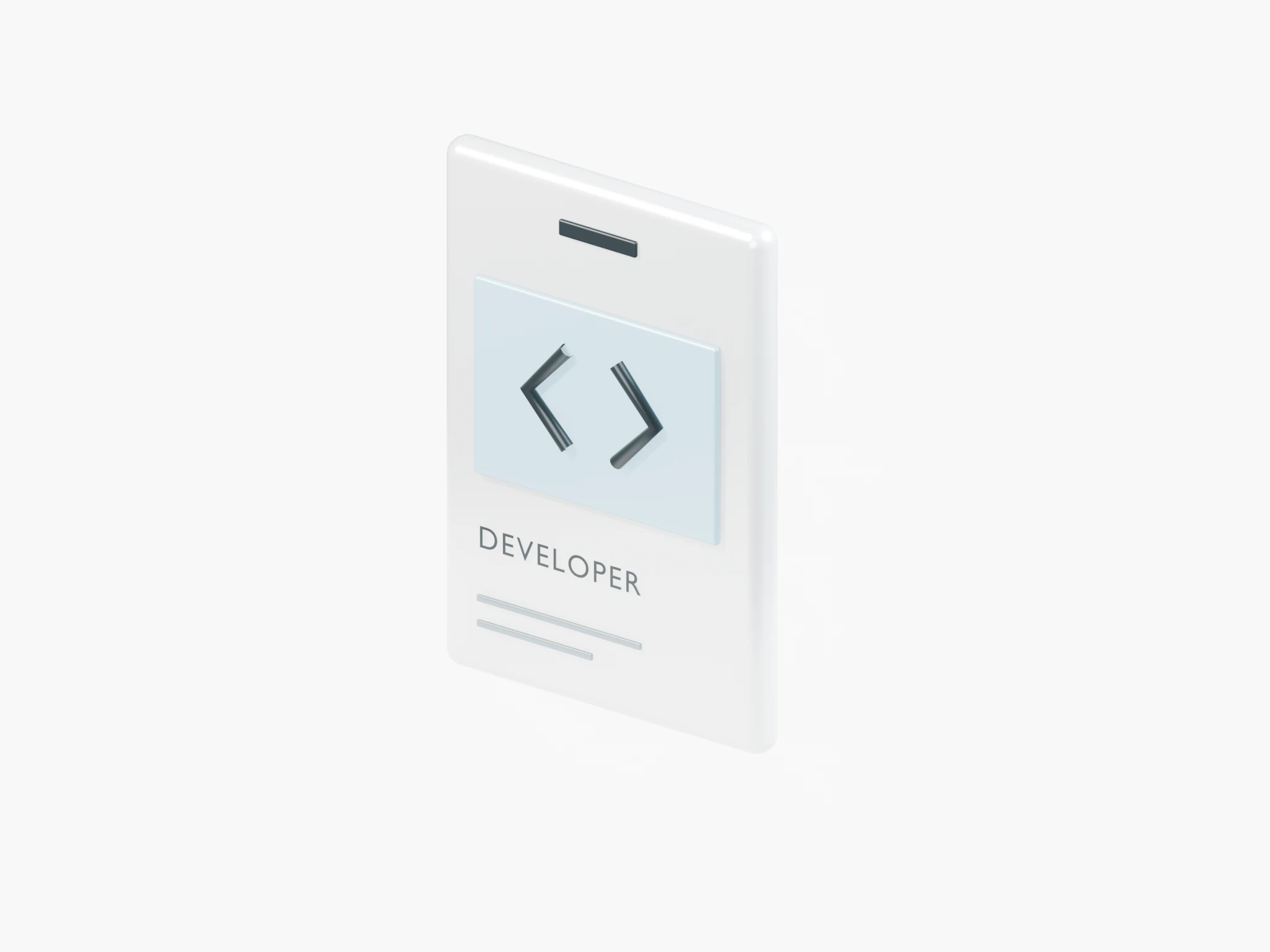
Freelancers and staff who deploy and operate servers, sites, domains and integrations.
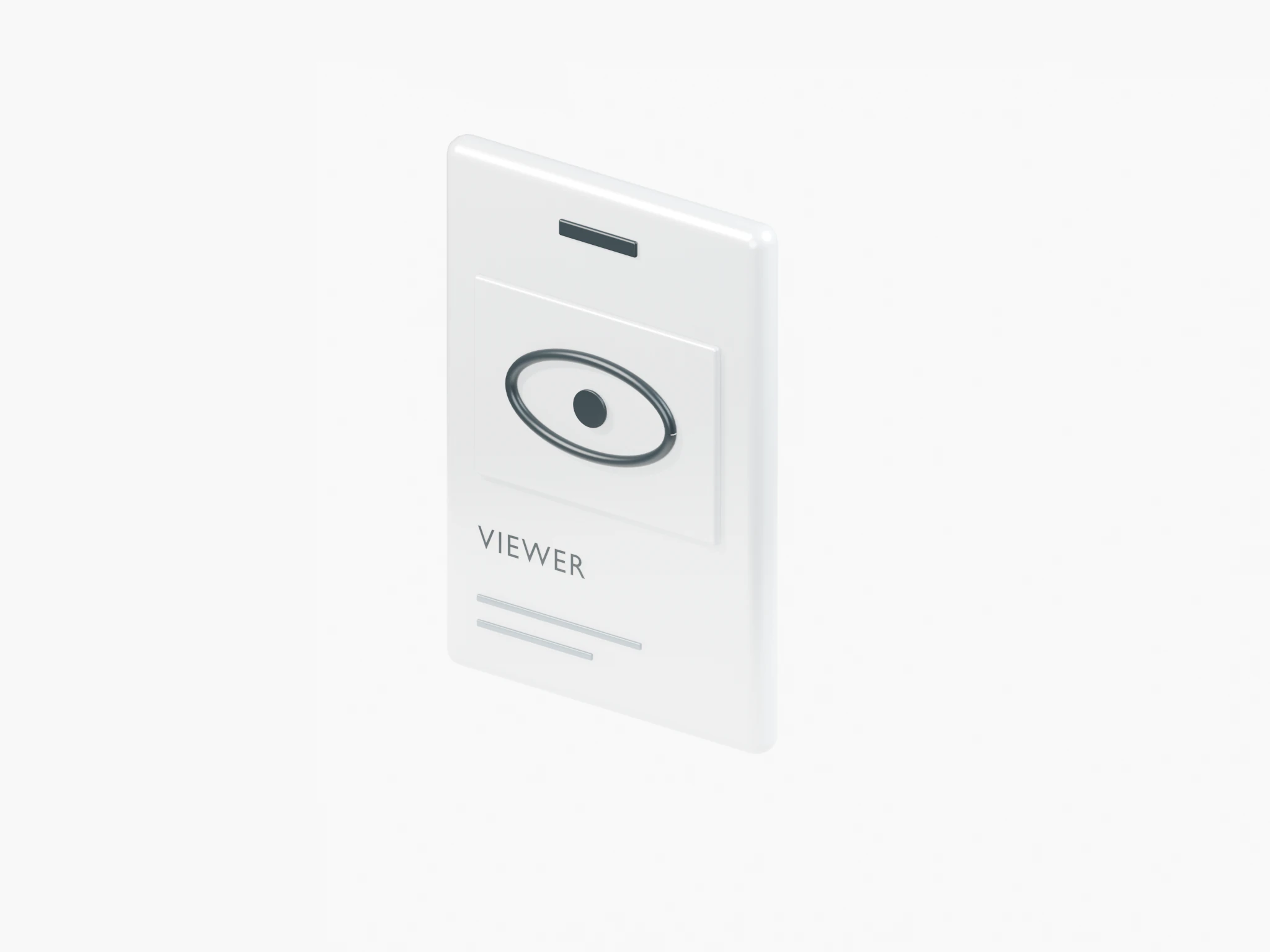
People who should see sites, uptime and backups without touching anything.
Servers from different providers sit in one list with their monthly cost, including Contabo contract terms. Connect a client’s own account when they should be billed directly.
Keep the client in your own workspace, or have them create a Nuvlo account and invite you to theirs.
Use your own Hetzner or DigitalOcean account, or the client’s so they’re billed directly.
Pick a region near the client’s visitors and a plan from the provider’s list.
WordPress, a Nuxt or Next.js app from Git, or a one-click app, each with its own domain and HTTPS.
Every Nuvlo account has its own workspace. You can keep client sites in yours, or a client can create their own account and invite you, and you switch between workspaces from the account menu.
Yes. Invite the client to your workspace as a Viewer and choose which sites and servers they can see. Or keep their sites in their own workspace: the client creates a Nuvlo account, invites you as Admin or Developer, and you manage it from there.
Yes. Connect the client’s own cloud account and their provider bills them directly.
Yes. View and manage access can be changed per role for servers, sites, domains, integrations, team and the activity log.
Not yet.
Your first server and site are free, with no card and no time limit. Connect a provider token and Nuvlo starts building it.