



Cancel your plan or withdraw from a purchase
Stop your monthly plan at the end of the period, or withdraw from a recent purchase and get your money back where the refund policy allows it.
On this page
Before you start
- The Owner or Admin role on the account.
- For a withdrawal or refund: a purchase made within the last 14 days.
Which option applies
Canceling stops future payments. You keep the plan until the end of the period you paid for, and nothing is refunded for the remaining days.
Withdrawing ends a plan or lifetime license now and refunds you. Whether you can, and how much you get back, depends on whether you bought as a consumer or a business. The refund policy has the full rules.
Step 1 Cancel your monthly plan
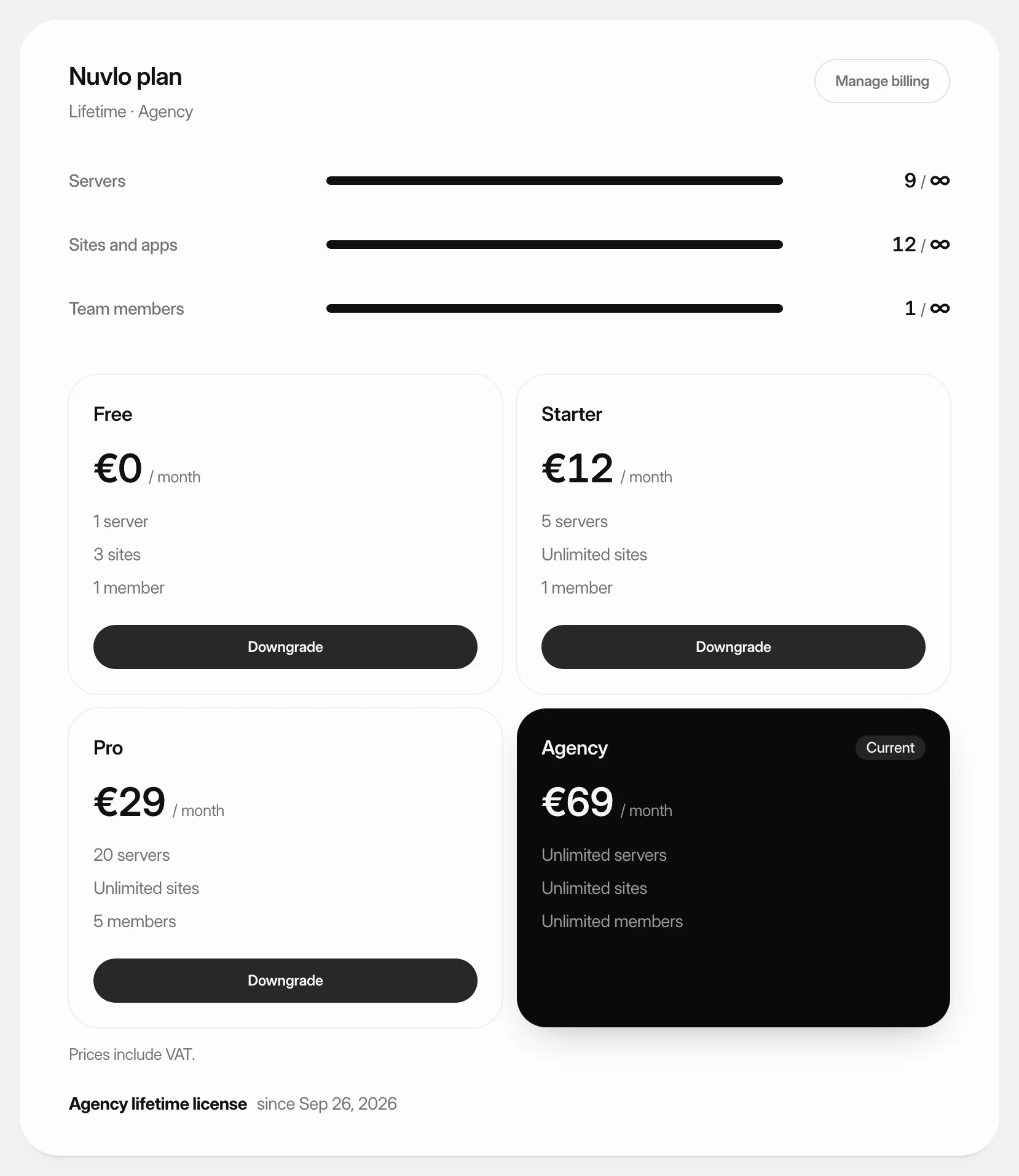
Open Billing in the sidebar. On the Nuvlo plan card, click Downgrade on the Free tile.
The Switch to Free dialog shows the date your paid plan ends. Click Switch to Free. You are not charged again, and the Free limits apply after that date.
The Downgrade button on Free is greyed out while you use more than Free includes: 1 server, 1 site or app, and only you as a team member. Hover over it to see what to remove, delete those first, then switch.
Changed your mind? Click Keep and your plan's name on the current plan's tile before the end date.
Step 2 Find the purchase to withdraw from
Purchases you can still withdraw from are listed below the plan tiles, with the date bought and the last day to withdraw or get a refund.
Step 3 Confirm the withdrawal
Click Withdraw from contract here, or Get a refund for a lifetime license bought as a business. The dialog says what ends and how much you get back.
Click Confirm withdrawal (or Refund license).
ImportantA withdrawal can't be undone. The plan or license ends right away and the account moves to the Free plan.
After a lifetime license is refunded, the account and card cannot buy the lifetime deal again.
What happens next
The refund goes back to the card you paid with. How long it takes to reach your account, and what is not refunded, is described in the refund policy.
Your servers and sites stay in your cloud account and keep running.
Related guides
 Choose or change your planPick the Nuvlo plan that fits how many servers, sites and team members you run, subscribe to it, and move up or down later.
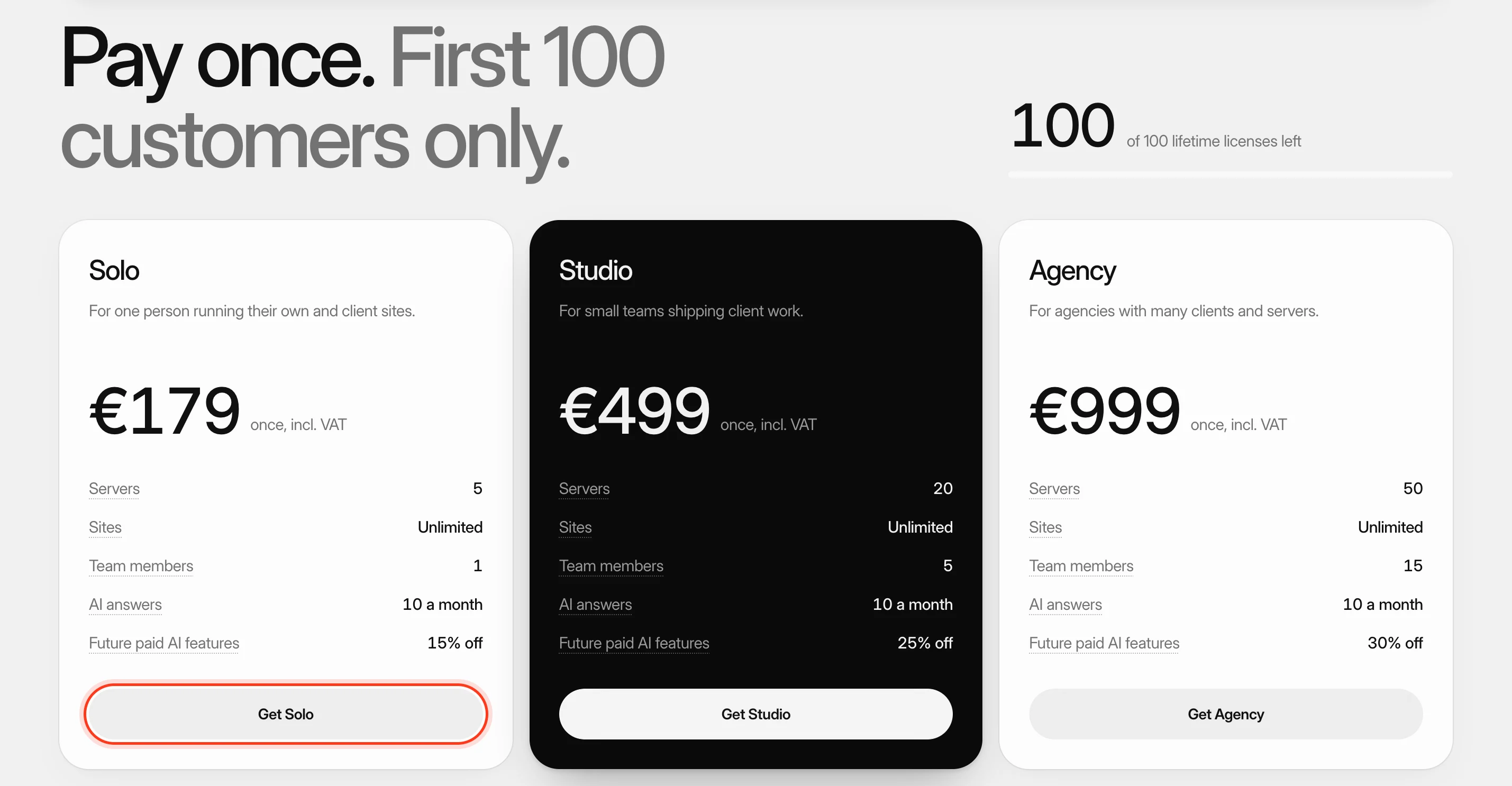 Buy a lifetime licensePay once instead of monthly and keep a fixed set of limits for as long as Nuvlo runs. Licenses stack when you need more.
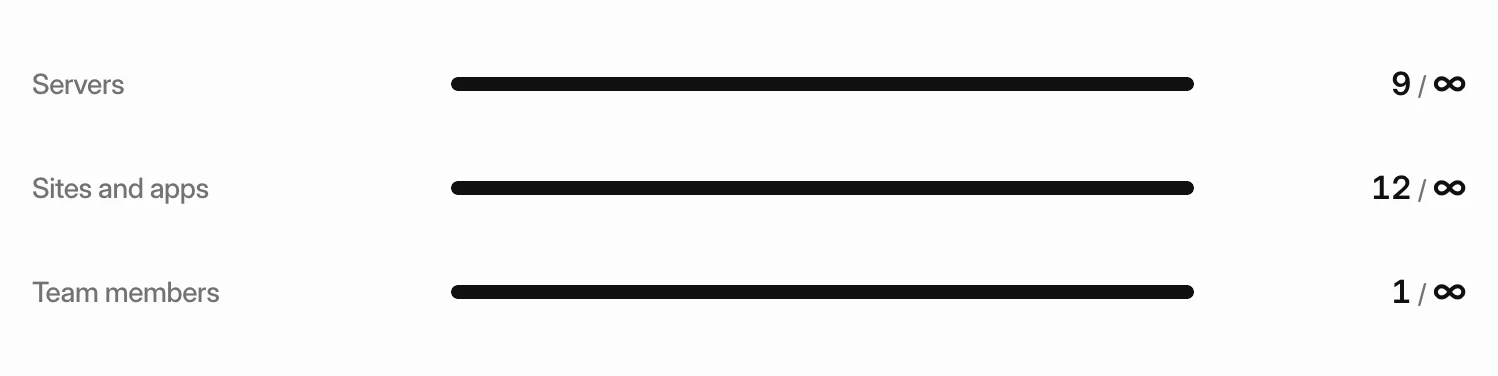 Stay within your plan limitsSee how much of your plan you use, what happens when you reach a limit, and how to choose what stays active if your account goes over.
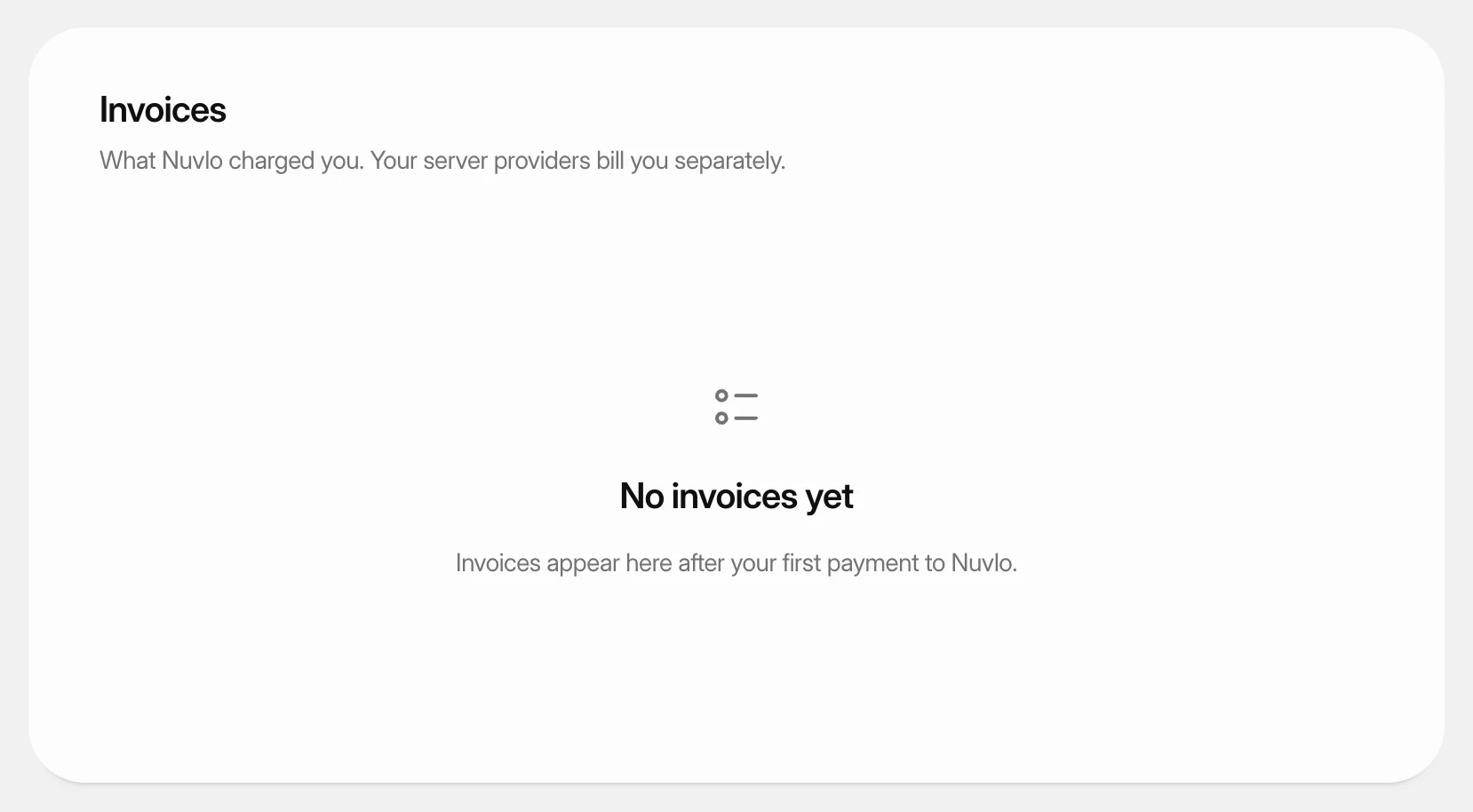 Get invoices and update payment detailsDownload the invoices Nuvlo sends you, pay an open one, and change the card, billing address or VAT ID they are issued to.