



Connect your Linode account
Create a personal access token in Akamai Cloud Manager with the scopes Nuvlo needs, connect it, and create your first Linode.
On this page
Before you start
- A Linode (Akamai Cloud) account with a payment method
- The Owner, Admin or Developer role on your Nuvlo account
Step 1 Open API tokens in Cloud Manager
Sign in to Akamai Cloud Manager. Click your username, choose API Tokens, then Create a Personal Access Token.
Step 2 Set the label, expiry and scopes
Give the token a Label such as “Nuvlo” and pick an Expiry. When the token expires, Nuvlo can no longer manage your Linodes until you replace it.
Set the access level for each scope:
| Scope | Access | Why Nuvlo needs it |
|---|---|---|
| Linodes | Read/Write | Create, resize, rebuild, restart and delete servers, and manage their backups. Required. |
| Images | Read/Write | Take snapshots and restore them. |
| Events | Read Only | Show progress while a resize or backup runs. |
| Account | Read Only | Show Linode’s own amounts in provider bill reminders. Optional. |
Leave every other scope at No Access. With Linodes set to Read Only the token connects, but Nuvlo can’t create servers with it.
Step 3 Copy the token
Create the token. Linode shows it once in a pop-up. Copy it before you close the pop-up.
Step 4 Add the token in Nuvlo
In Nuvlo, open Integrations → Server providers, click Add provider and choose Linode (Akamai).
Enter an Account label (optional) and paste the token into API key or token.
Step 5 Connect and check
Click Connect account. Nuvlo checks that the token can reach your Linodes, then saves it. The account shows under Connected accounts.
Step 6 Create your first Linode
Open Create server, choose Linode (Akamai) and, if you have several, the account under Account. Click Choose what to host and follow Create a server.
Good to know
| Topic | On Linode |
|---|---|
| Billing | Hourly, capped at the monthly price. Linode bills you directly. |
| Plans | Shared, dedicated and high-memory Linodes. |
| Resizing | Bigger or smaller plans. Smaller only when the disk fits. Linode moves the server to another host while it is off, which takes longer for large disks. The IP address stays the same. |
| Provider backups | A plan add-on with daily backups, plus one manual backup you can take any time. |
| Snapshots | Stored as Linode images, which hold up to 6 GB of data. Restore over the server or into a new one. |
Troubleshooting
- This Linode token cannot access Linodes: the token has no access to the Linodes scope. Create a new token with Linodes set to Read/Write.
- The provider rejected this key: the token was mistyped, revoked or has expired. Create a new one.
- Snapshots fail: the token needs Images set to Read/Write. Create a new token and paste it under Manage on the Server providers page.
Related guides
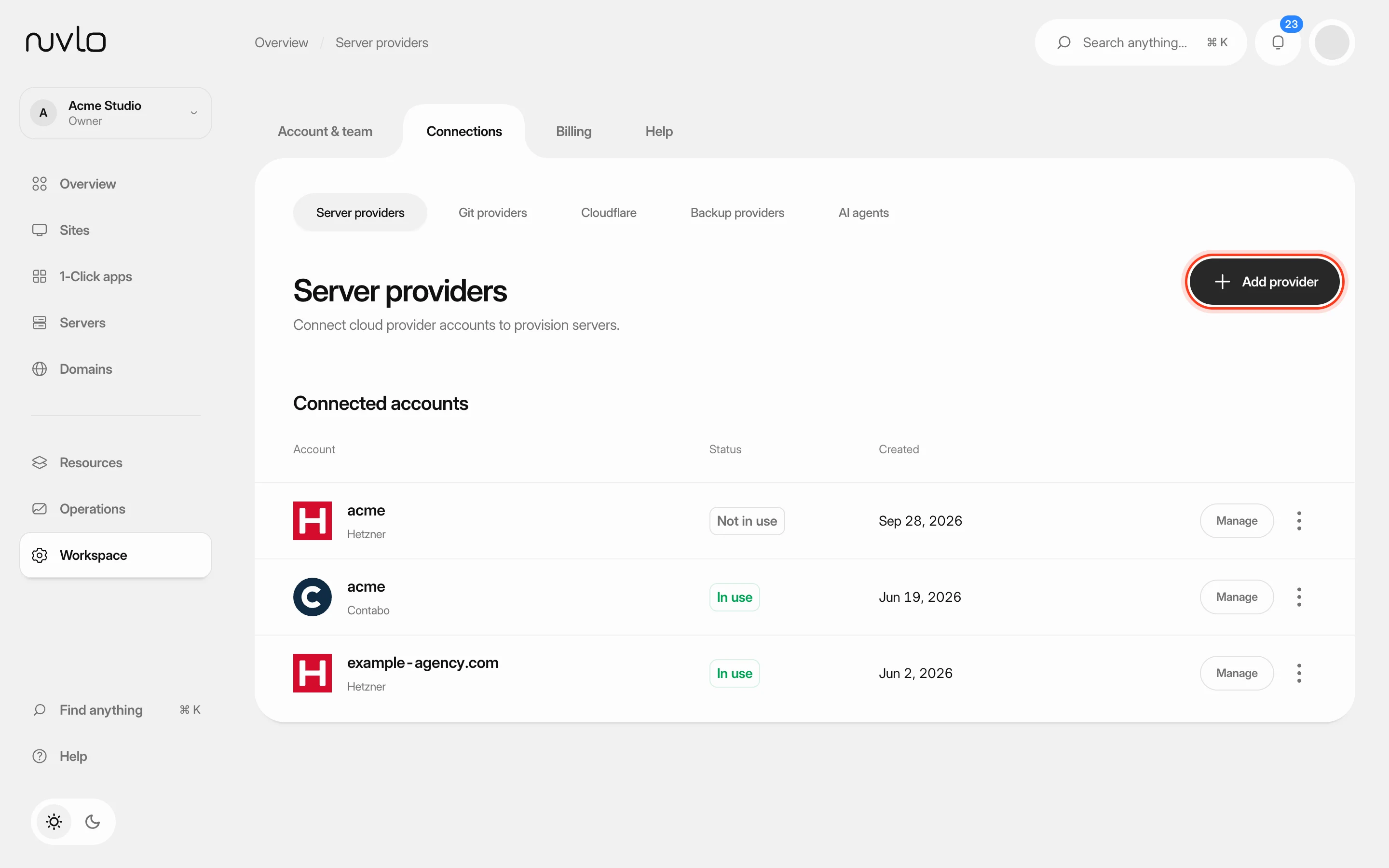 Connect a server providerConnect your own cloud account so Nuvlo can create and manage servers in it. You add an API key on the Server providers page, and Nuvlo checks it with the provider before saving it.
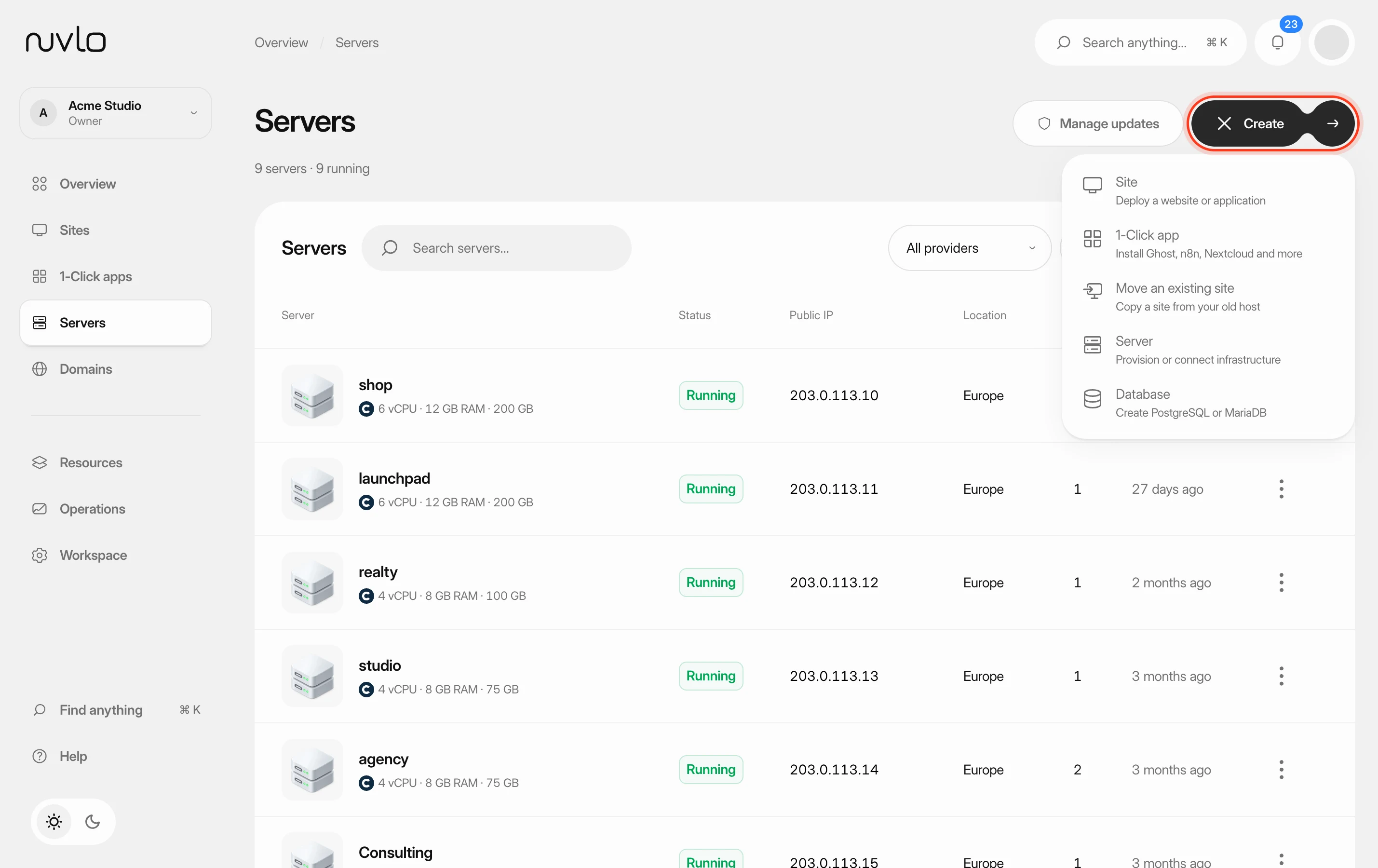 Create a serverOrder a new server at your cloud provider from Nuvlo and have it set up with everything your sites need: web server, firewall, security hardening and the software for the projects you plan to host.
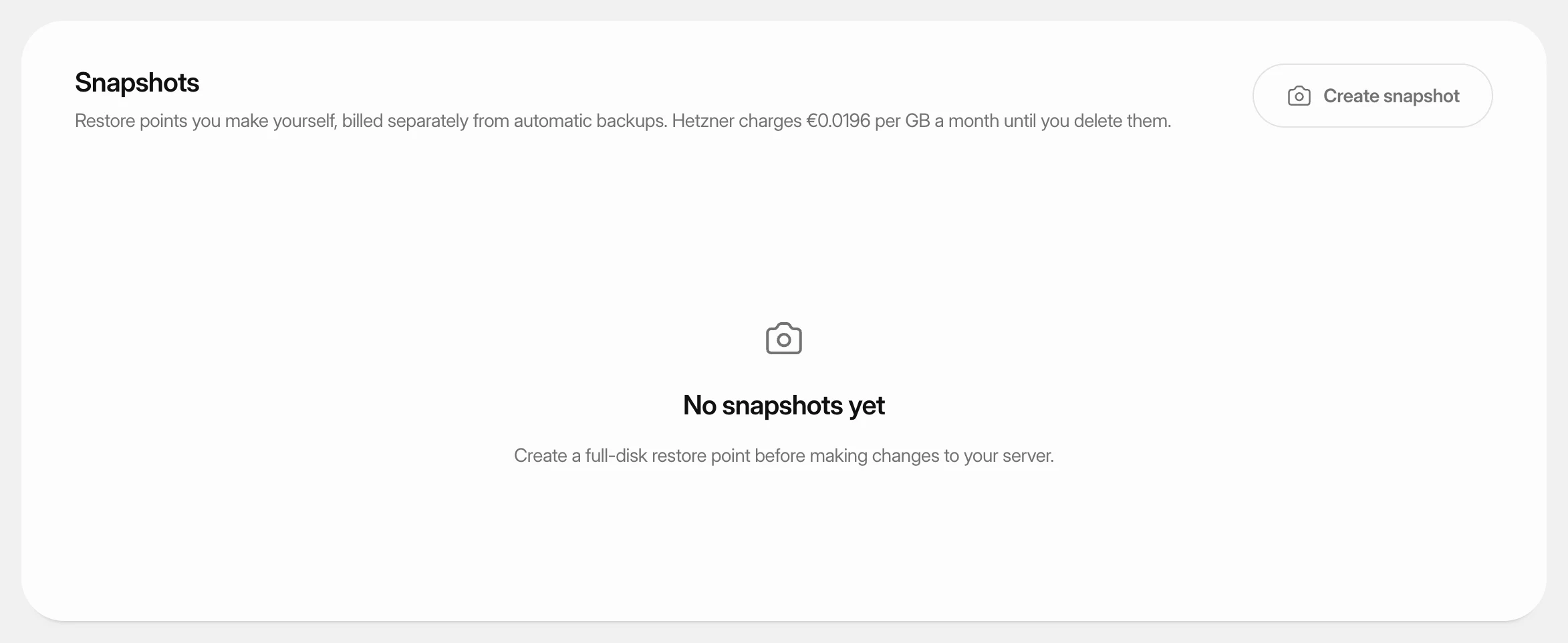 Create and restore server snapshotsSave a full-disk restore point of a server at its cloud provider, choose when it deletes itself, and restore it over the server or into a new one.
 Turn on automatic server backupsHave Hetzner, DigitalOcean, Vultr or Linode copy your whole server on a schedule, see what it costs, and restore a backup when you need it.