



Turn on automatic server backups
Have Hetzner, DigitalOcean, Vultr or Linode copy your whole server on a schedule, see what it costs, and restore a backup when you need it.
On this page
Before you start
- A server Nuvlo created at Hetzner, DigitalOcean, Vultr or Linode.
- That provider still connected to Nuvlo. See Connect a server provider.
- A role that can manage servers. By default that is Owner, Admin and Developer. Some actions below need Owner or Admin.
What automatic backups are
Hetzner, DigitalOcean, Vultr and Linode can copy a whole server on a fixed schedule. These backups are a paid add-on from the provider, and the cost is added to the server’s bill. Nuvlo lets you switch them on and off, see them, and restore them.
They are separate from snapshots, which you make yourself, and from site backups, which go to your own storage.
What each provider offers
| Provider | How often | Kept | Cost | Back up now | Delete single backups | Restore |
|---|---|---|---|---|---|---|
| Hetzner | Every day | The last 7 | 20% of the server price | Yes. Once 7 are kept, it replaces the oldest. | Yes | Over the server, or into a new server |
| DigitalOcean | Every day or once a week | The last 7 daily, or the last 4 weekly | 30% of the server price daily, 20% weekly | No | No | Over the server, or into a new server |
| Vultr | Every day | Set by Vultr | 20% of the server price | No | No | Over the server |
| Linode | Every day | The last 3 | Linode’s backup price for the server’s plan | Yes. It replaces your previous manual backup. | No | Over the server, or into a new server |
Nuvlo works out the monthly cost from your server’s plan and shows it before you turn backups on. The provider’s bill is what counts.
Step 1 Open the server’s Backups tab
Open the server from Servers and go to the Backups tab. The Automatic backups card says what the provider does and what it costs, for example that it copies the whole server every day and keeps the last 7.
To see all your servers at once, use the Server backups card on Backups. It shows each server’s latest backup, the monthly cost and an on/off switch. View backups opens the server’s tab.
Step 2 Turn automatic backups on
Turn on the switch at the top right of the Automatic backups card. The Turn on automatic backups dialog shows how often backups are made, how many are kept and the price.
For DigitalOcean, choose Daily or Weekly.
Click the button, for example Turn on for €1.20 a month. Your provider makes the first backup within 24 hours.
Step 3 Make a backup now
On Hetzner and Linode, Back up now appears once automatic backups are on. It counts as one of the automatic backups, so it costs nothing extra.
The Back up … now dialog says which backup it replaces, if any. On Hetzner, once 7 backups are kept the new one replaces the oldest; that needs the Owner or Admin role. On Linode it replaces your previous manual backup.
Click Back up now, or Back up and replace followed by the date. The provider makes the backup in the next few minutes; the row shows its progress.
Step 4 Restore a backup
Click Restore on a finished backup. The Restore backup dialog offers:
- Replace followed by the server name: the server is returned to the state of the backup. Everything changed since then is lost, and sites are offline for a few minutes. Only an Owner or Admin can do this.
- Create a new server: a separate server is made from the backup, with the same plan and region, and billed like any other. The original isn’t changed. Not available for Vultr.
The row shows the restore’s progress. When the server is running again, Nuvlo tells you.
A new server counts toward your plan’s server limit.
Turn automatic backups off
Turn off the switch. The Turn off automatic backups dialog says what happens to the existing backups.
ImportantOn Hetzner and Linode, turning backups off deletes all of the server’s automatic backups right away. The button then reads Turn off and delete followed by the number of backups.
- DigitalOcean keeps the existing backups until it removes them on its own schedule.
- Vultr may delete the existing backups.
Snapshots are not affected. Where backups get deleted (Hetzner, Linode and Vultr), turning them off needs the Owner or Admin role.
Delete a single backup
Only Hetzner lets you delete one backup. Open its … menu and choose Delete backup. This needs the Owner or Admin role and can’t be undone.
When you delete the server
- Hetzner deletes the automatic backups with the server. In the delete dialog, tick Keep its latest automatic backup as a snapshot to keep the newest one; it is then billed as a snapshot.
- DigitalOcean keeps the automatic backups for up to 4 weeks, then removes them.
- Vultr keeps them for up to 7 days, then removes them.
- Linode deletes them with the server and stops billing for them.
Related guides
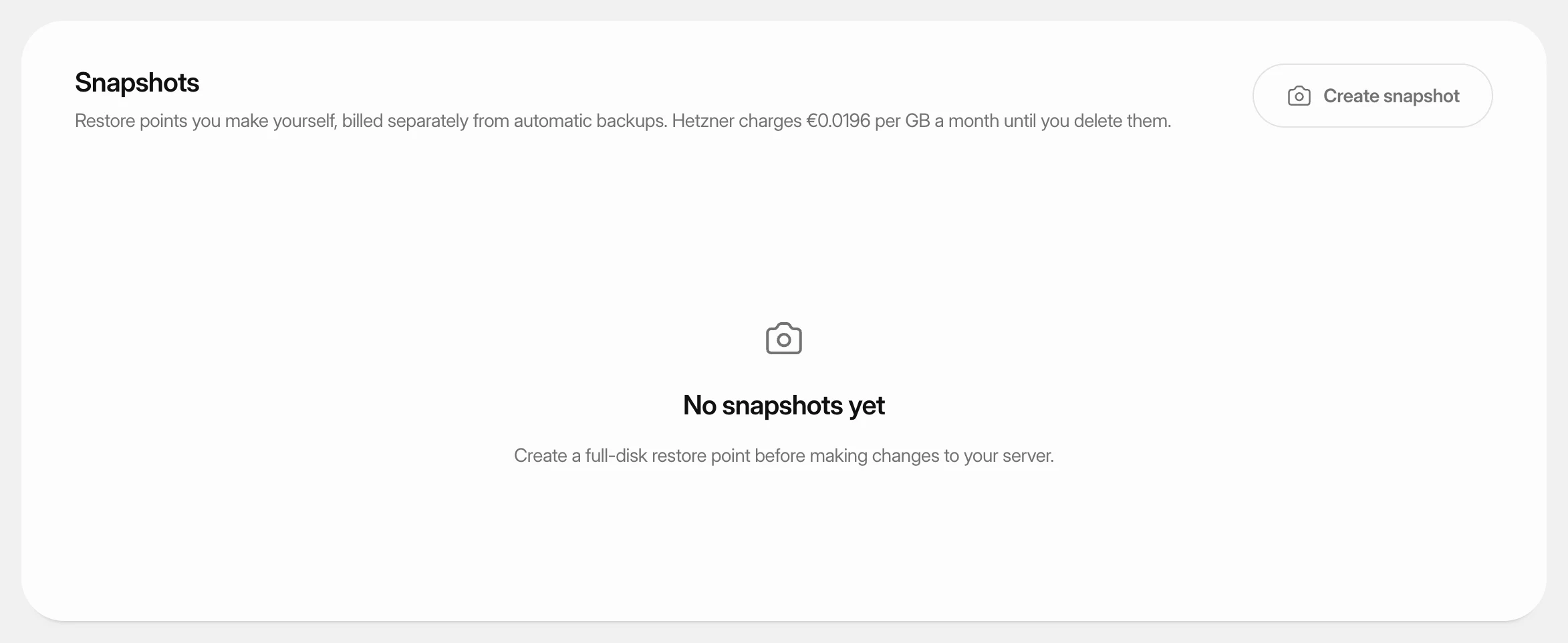 Create and restore server snapshotsSave a full-disk restore point of a server at its cloud provider, choose when it deletes itself, and restore it over the server or into a new one.
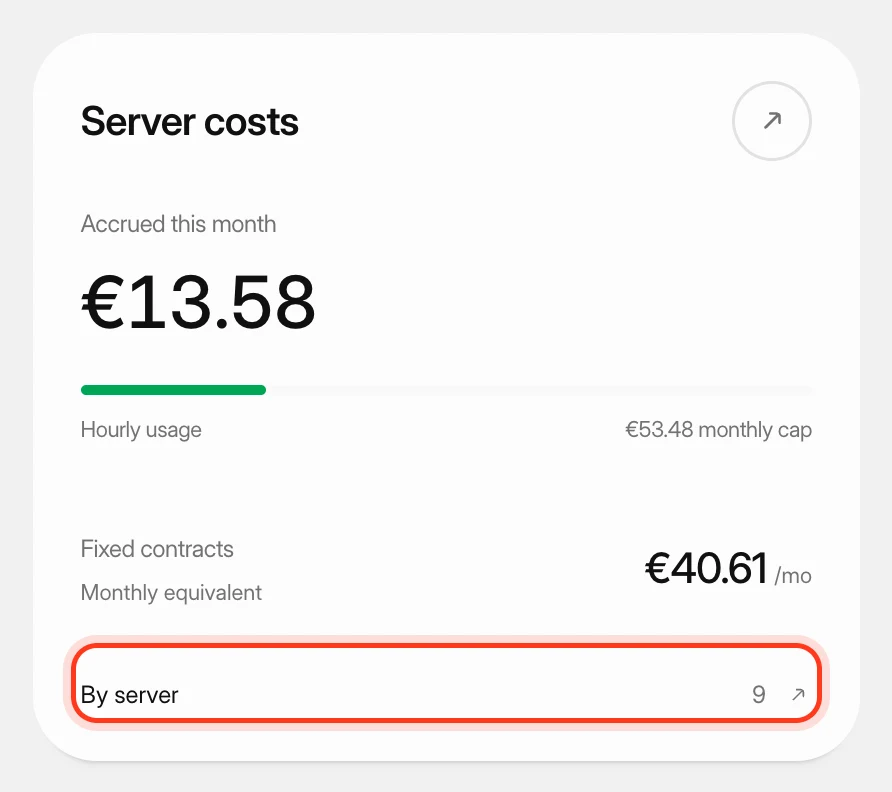 Track what your servers costSee what your servers cost at your cloud providers this month and in past months, apart from what you pay Nuvlo.
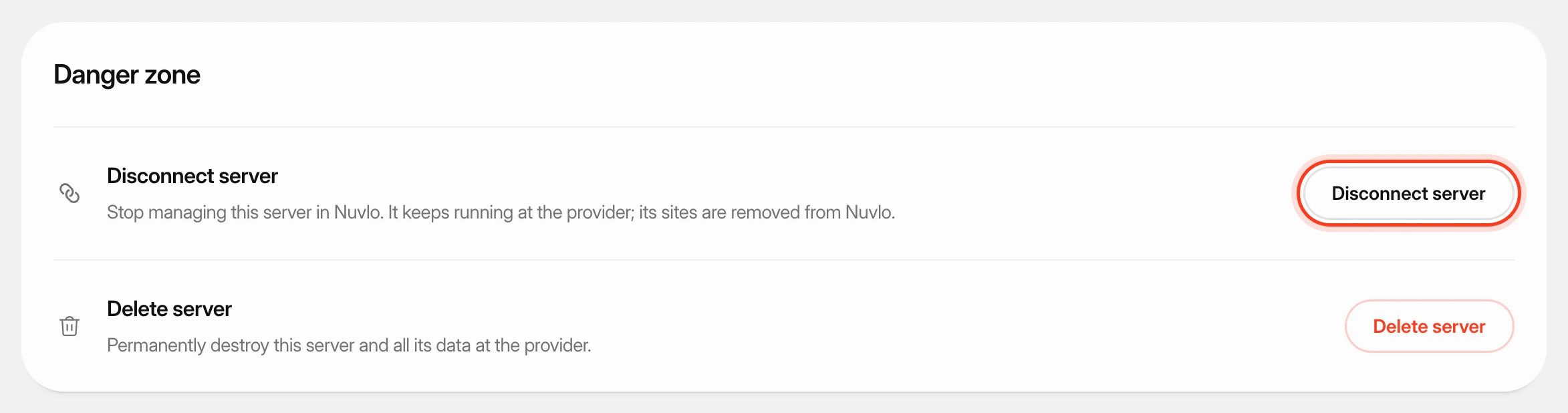 Delete a serverPermanently destroy a server at your provider and remove it and its sites from Nuvlo, with control over what happens to its snapshots and backups.
 Connect your Hetzner accountCreate a Read & Write API token in the Hetzner Console, connect it to Nuvlo, and create your first Hetzner server.