



Connect your Hetzner account
Create a Read & Write API token in the Hetzner Console, connect it to Nuvlo, and create your first Hetzner server.
On this page
Before you start
- A Hetzner account with a project for your servers. You can use an existing project or create a new one.
- The Owner, Admin or Developer role on your Nuvlo account
Step 1 Open your project in the Hetzner Console
Sign in to the Hetzner Console and open the project you want your servers in.
Hetzner API tokens belong to one project. Every server Nuvlo creates with the token is created in that project and billed with it.
Step 2 Generate an API token
In the project, open Security in the left menu, then the API tokens tab. Click Generate API token.
- Description: something you’ll recognize, such as “Nuvlo”.
- Permissions: choose Read & Write. A Read token connects without an error, but creating a server with it fails.
Step 3 Copy the token
Hetzner shows the token once. Copy it before you close the window. If you lose it, generate a new one.
Step 4 Add the token in Nuvlo
In Nuvlo, open Integrations → Server providers, click Add provider and choose Hetzner.
Enter an Account label (optional), such as the project name, and paste the token into API key or token.
Step 5 Connect and check
Click Connect account. Nuvlo checks the token with Hetzner and saves it. Your Hetzner account now shows under Connected accounts.
Step 6 Create your first Hetzner server
Open Create server and choose Hetzner. If you connected several Hetzner projects, pick one under Account.
Under Server source, keep New server. With Hetzner you can also choose Erase an existing server, which wipes a server already in the project and installs Nuvlo on it.
Click Choose what to host and follow Create a server.
Good to know
| Topic | On Hetzner |
|---|---|
| Billing | Hourly, capped at the monthly price. Hetzner bills you directly. |
| Plans | Shared, dedicated and Arm plans. Some software, such as MySQL 9.7, needs an x86 plan. |
| Resizing | Bigger or smaller plans of the same CPU type. Smaller only when the disk fits. The IP address stays the same. |
| Provider backups | Daily, the last 7 kept, 20% of the server price. You can also back up on demand. |
| Snapshots | Restore over the server or into a new one. |
For each server, Nuvlo adds an SSH key whose name starts with nuvlo- to your Hetzner project. Leave these keys in place.
To use several Hetzner projects, create a token in each project and connect each one as its own account.
Troubleshooting
- The provider rejected this key: the token was mistyped, deleted, or belongs to a project that no longer exists. Generate a new token and try again.
- The server wizard fails when creating the server: check that the token has Read & Write permission. If Hetzner reports a limit, your project has reached Hetzner’s resource limit for your account. Ask Hetzner to raise it.
Related guides
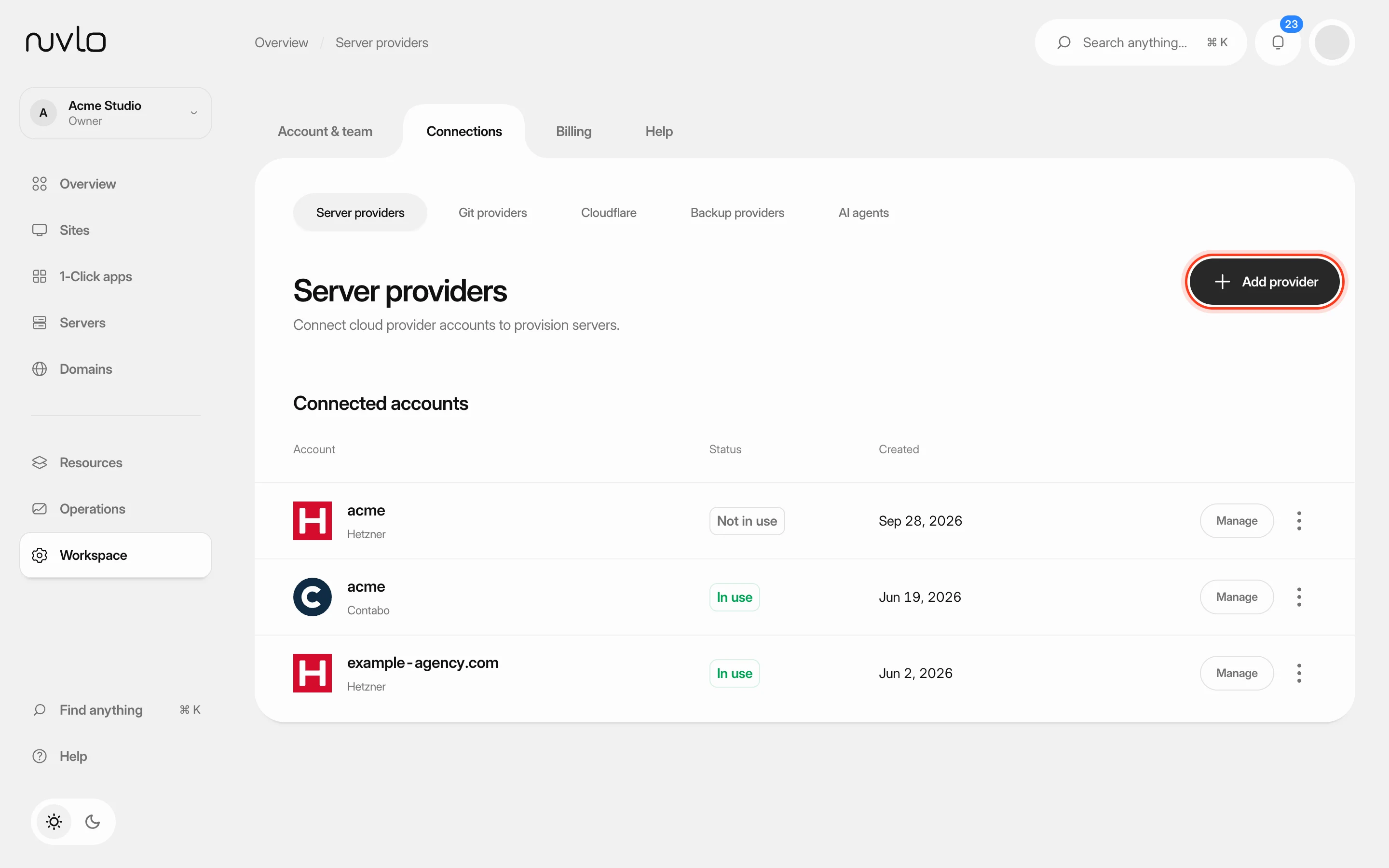 Connect a server providerConnect your own cloud account so Nuvlo can create and manage servers in it. You add an API key on the Server providers page, and Nuvlo checks it with the provider before saving it.
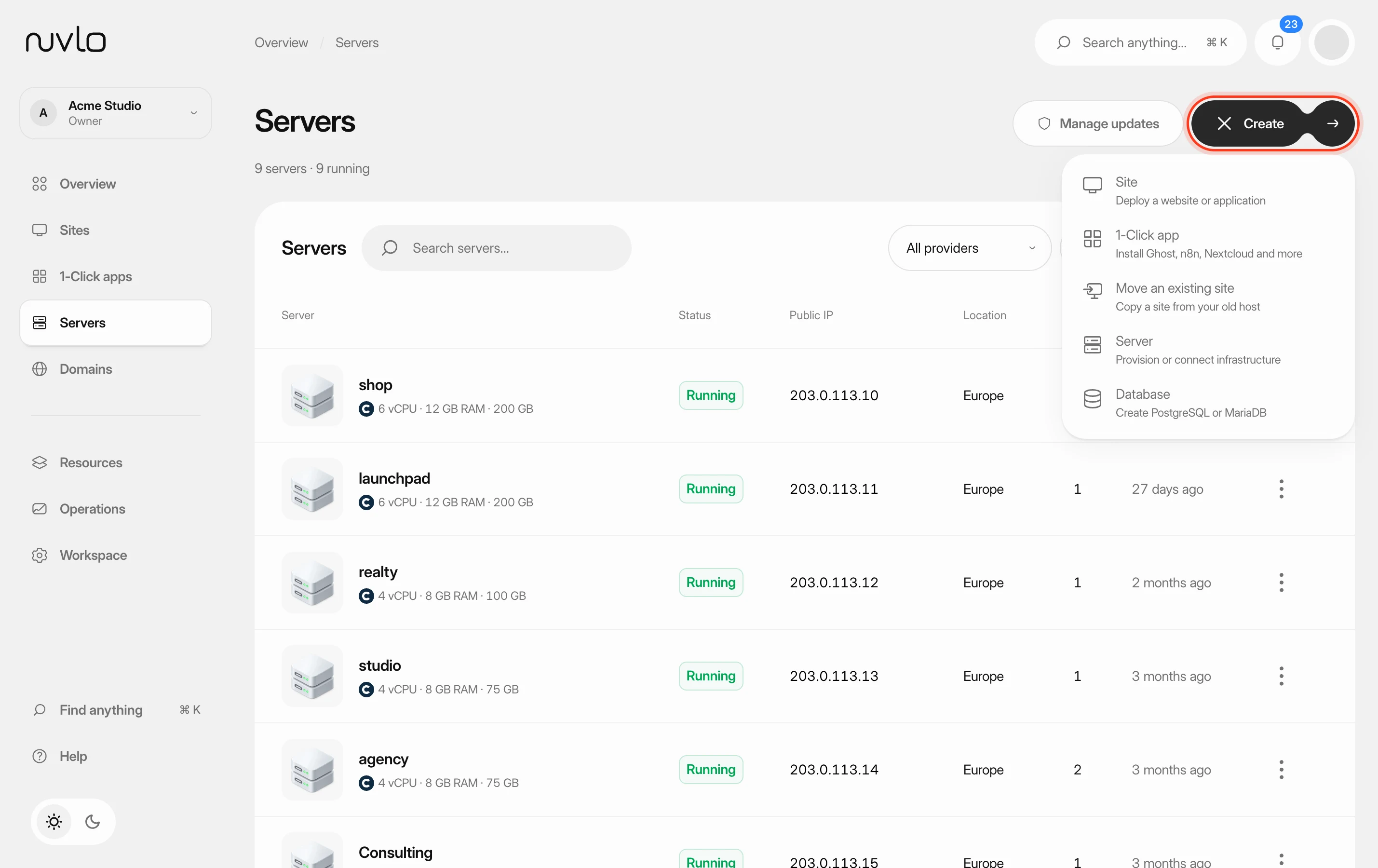 Create a serverOrder a new server at your cloud provider from Nuvlo and have it set up with everything your sites need: web server, firewall, security hardening and the software for the projects you plan to host.
 Turn on automatic server backupsHave Hetzner, DigitalOcean, Vultr or Linode copy your whole server on a schedule, see what it costs, and restore a backup when you need it.
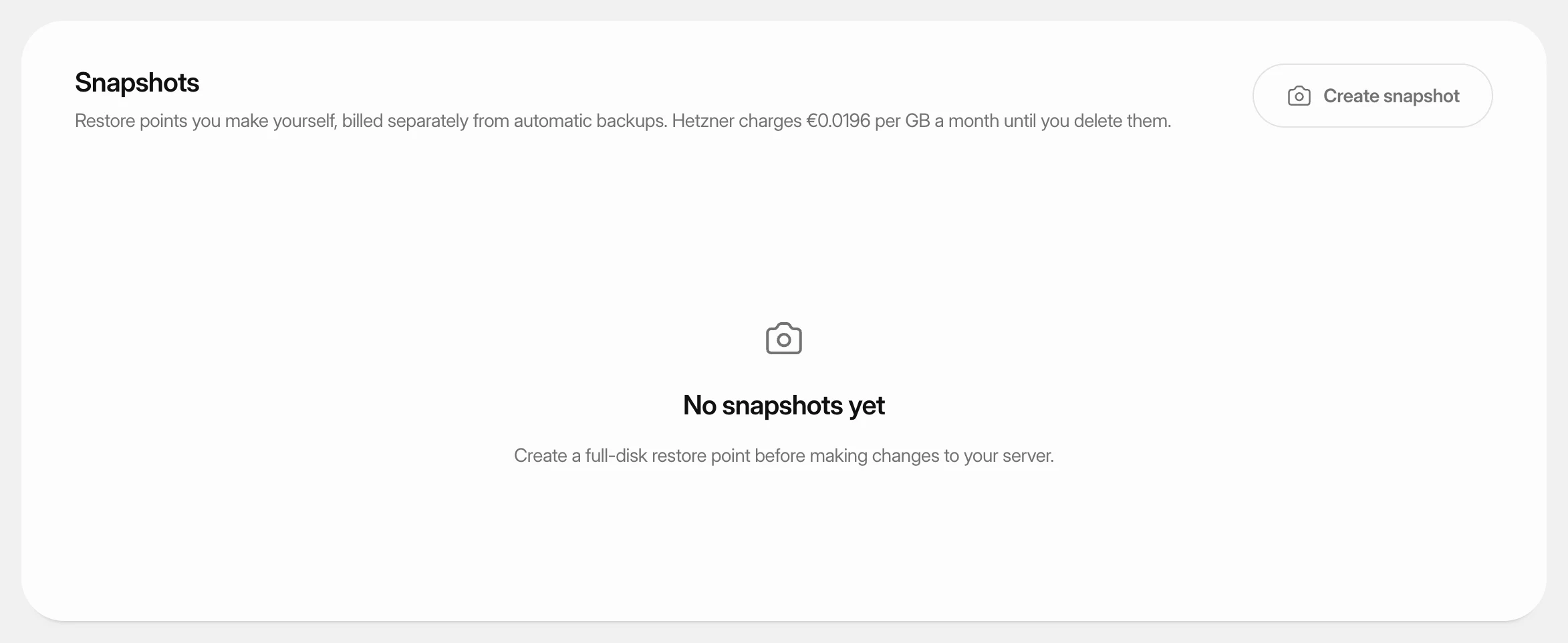 Create and restore server snapshotsSave a full-disk restore point of a server at its cloud provider, choose when it deletes itself, and restore it over the server or into a new one.