



Sign in to WordPress admin with one click
Open the WordPress dashboard of any of your sites from Nuvlo, already signed in as an administrator, without typing a password.
On this page
Before you start
- A WordPress site in Nuvlo that is running and has a domain.
- Permission to manage sites. Owners, admins and developers have it by default.
Step 1 Open the site
Open Sites and click the WordPress site.
Step 2 Click WP Admin
In the site’s header, click WP Admin. A new tab opens with Signing you in to WordPress, then WordPress admin loads, already signed in.
Step 3 Or sign in from the Sites list
Each WordPress site in the Sites list has a row of quick actions. The WordPress icon, Log in to WordPress admin, does the same as WP Admin. It’s available while the site is running.
How it works
- Each click makes a new link that works once and expires after 60 seconds.
- You’re signed in as the site’s first administrator account, the oldest one.
- The Open settings button for the Nuvlo plugin and Open SEO settings for Nuvlo SEO sign you in the same way and open those plugin pages.
Troubleshooting
If the tab shows Couldn’t sign you in, it gives the reason. Click Try again, or Close tab.
| Message | What to do |
|---|---|
| This site has no domain configured yet. | Give the site a domain first. See Change a site’s domain. |
| We couldn't reach the server. Please try again. | Check the server is running on its page, then try again. |
| The site directory was not found on the server. | The site’s files are missing. Restore a backup. See Restore a backup. |
If WordPress itself shows Invalid or expired login link., the link was older than 60 seconds or already used. Click WP Admin again. If it shows No administrator account found., the site has no user with the Administrator role; sign in with your own login and give one back that role.
ImportantAnyone with the sites permission gets full WordPress admin access this way, including installing plugins. Give it only to people you trust, see Roles and permissions.
Related guides
 Create a WordPress siteInstall a new WordPress site on one of your servers, with its own database, Redis cache and HTTPS. It takes four short screens and a few minutes of setup.
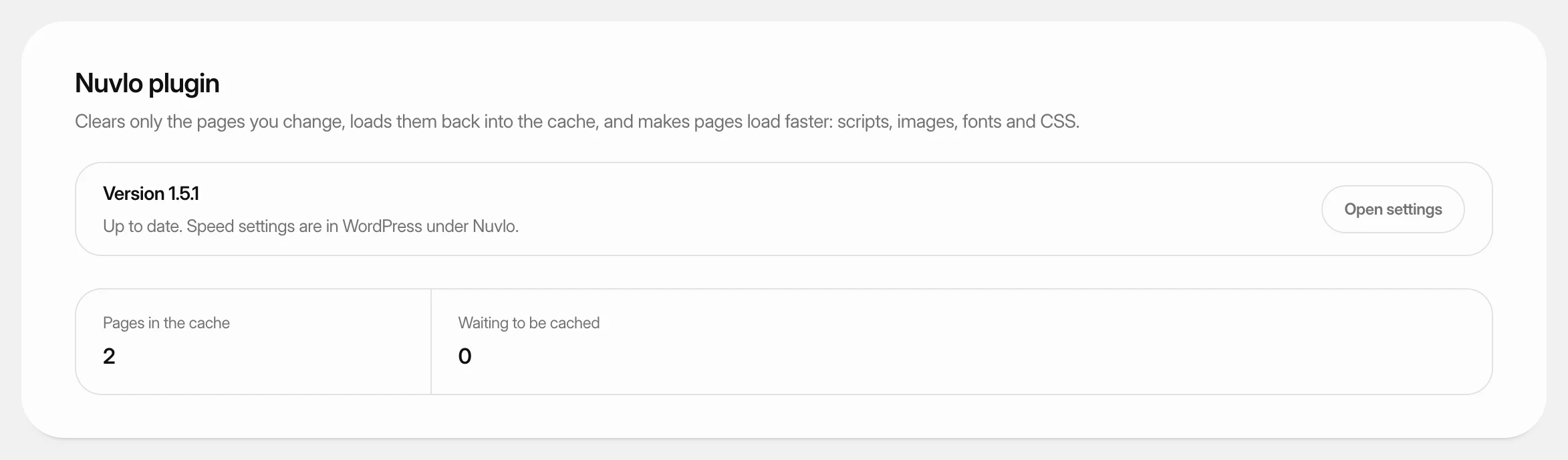 Use the Nuvlo plugins for WordPressLearn what the Nuvlo plugin and Nuvlo SEO do on your WordPress sites, how to install or update them from the dashboard, and where their settings are.
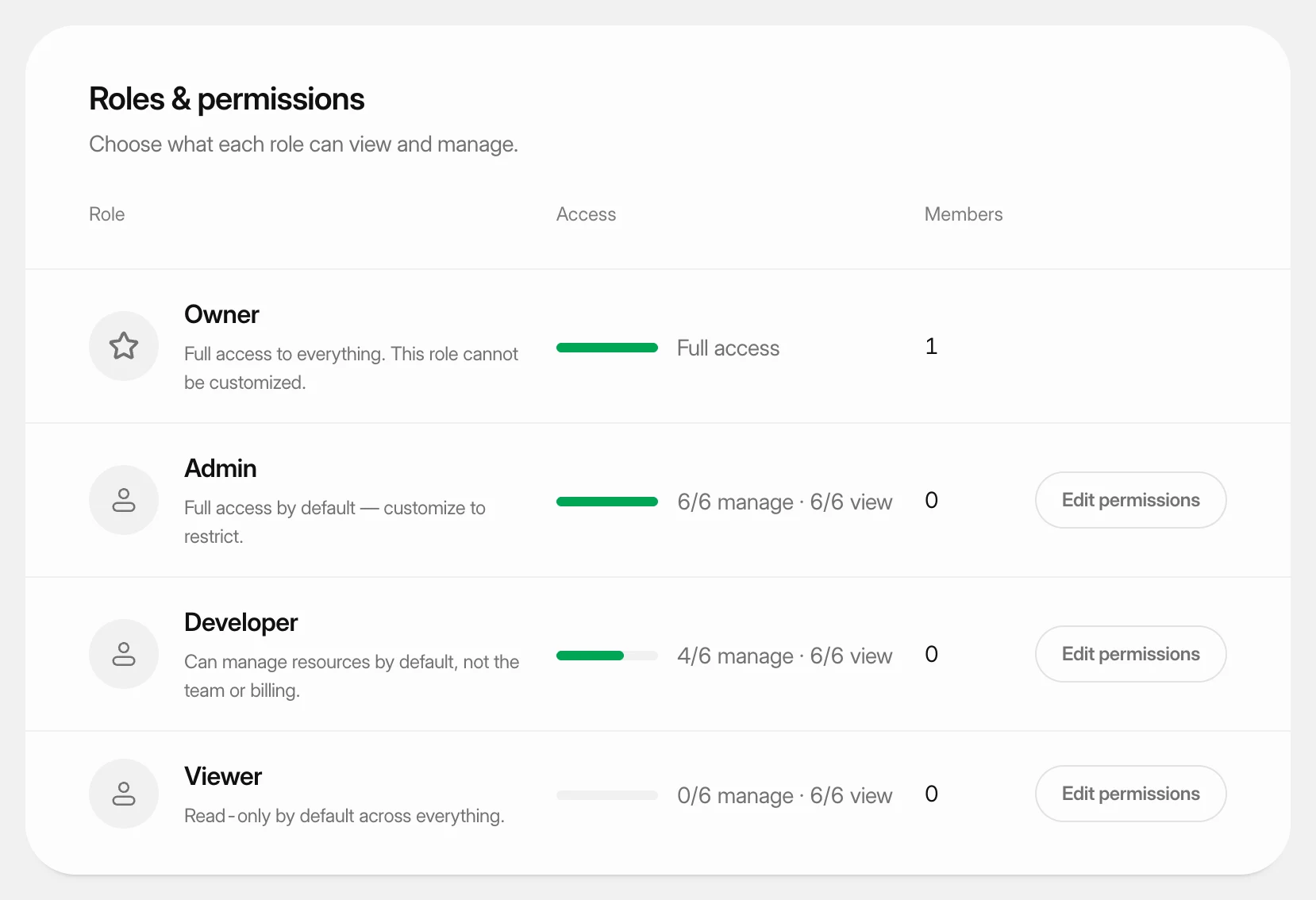 Set what each role can doUnderstand the four team roles and change what the Admin, Developer and Viewer roles may view and manage in your workspace.