



Disconnect a server from Nuvlo
Stop managing a server in Nuvlo while it keeps running at your provider.
Before you start
- The owner or admin role in your Nuvlo account.
Step 1 Open Disconnect
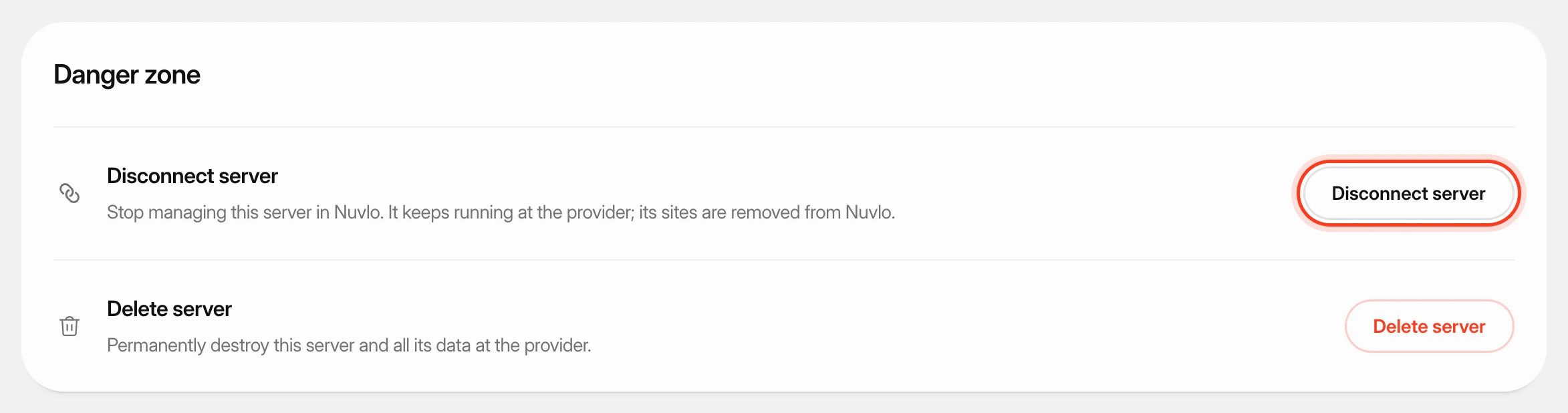
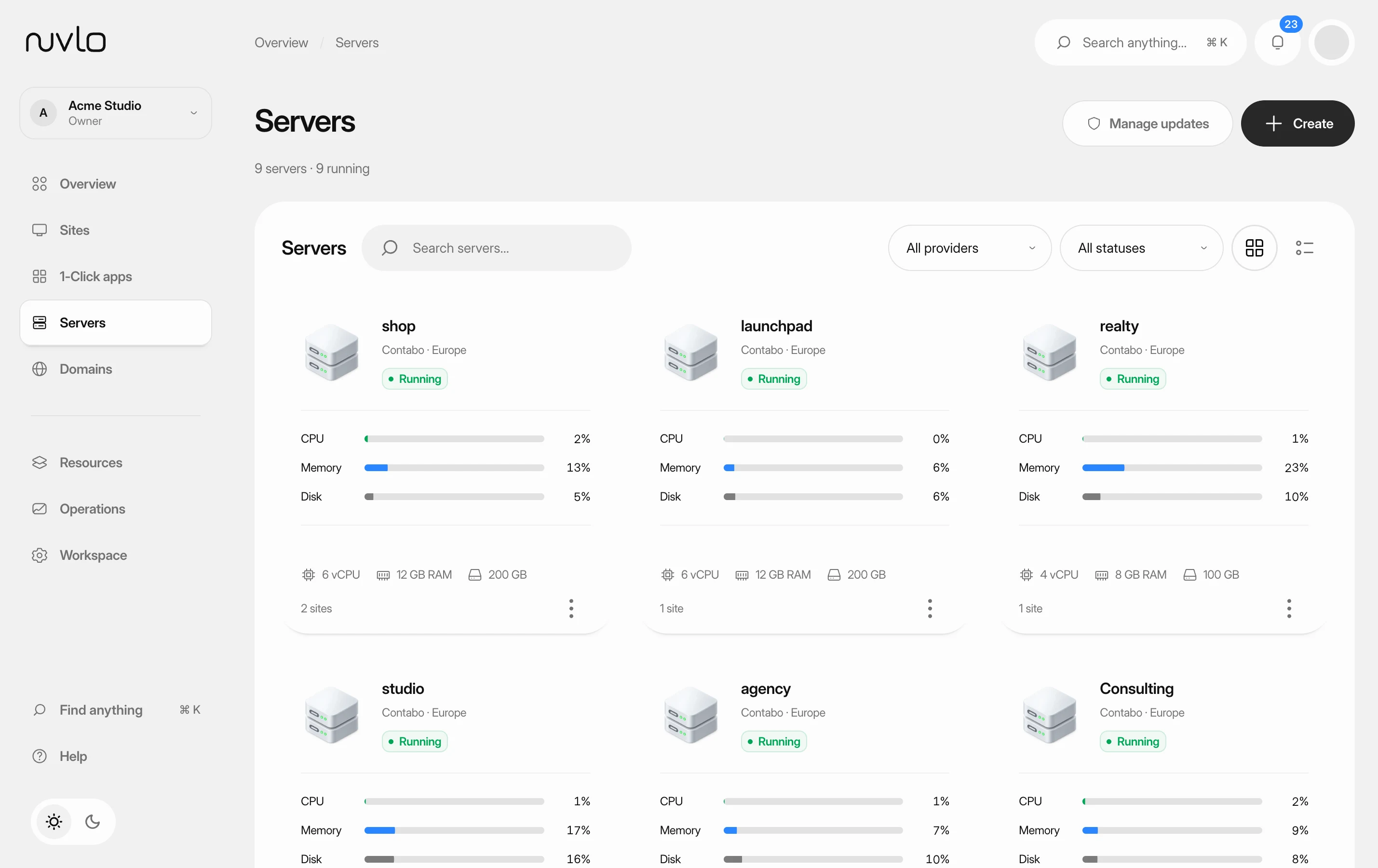
Open the server, click the Settings tab and scroll to Danger zone. Click Disconnect server. On the Servers page you can also open the row menu and choose Disconnect.
Step 2 Confirm
The dialog lists what is removed. Click the Disconnect button with the server's name, or Disconnect and remove 2 sites (with your count) if sites run on it.
What happens
- The server and everything on it keep running at your provider, and the provider keeps billing you.
- The server's sites, their domains and deployment history are removed from Nuvlo. The sites themselves keep running on the server.
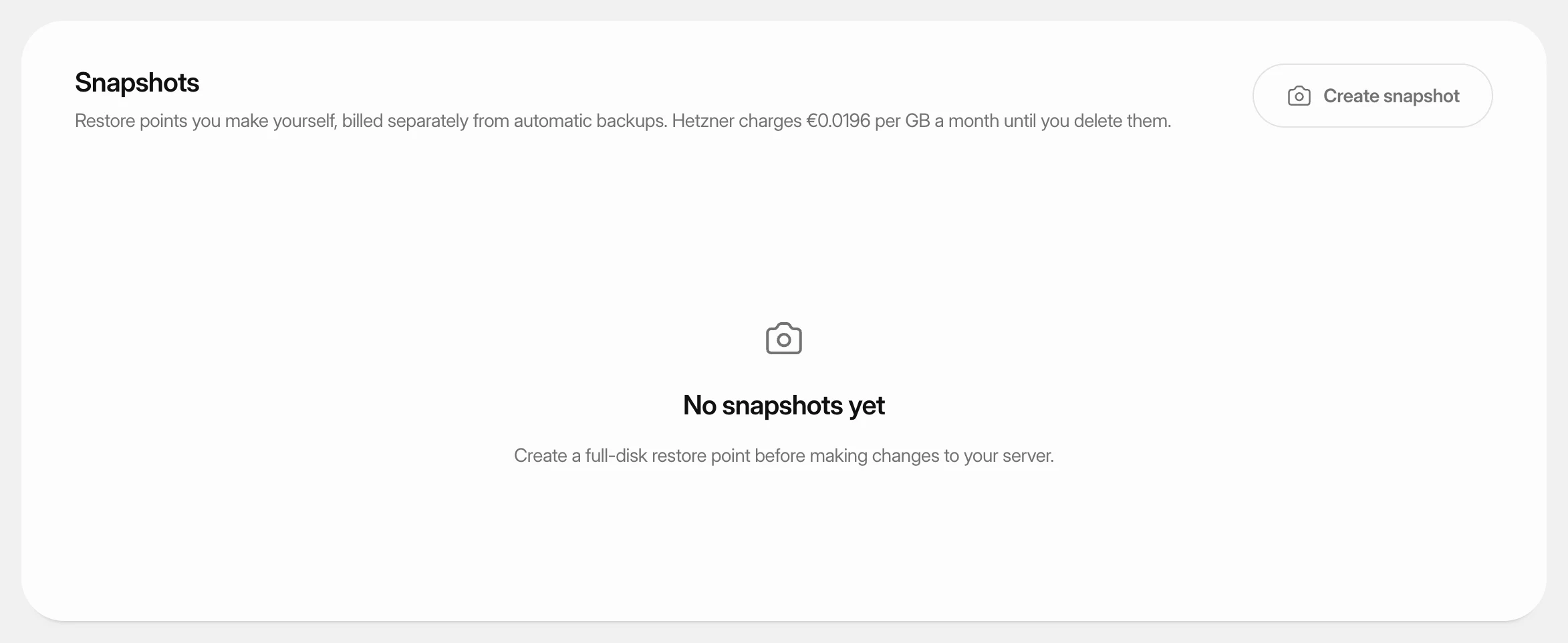
- Nuvlo no longer has access to the server. Its snapshots stay listed in Nuvlo so you can still restore or delete them.
ImportantTo manage a disconnected server again, connect it with one command and tick that it already runs software. Nuvlo sets it up again; its sites have to be added again.
If you want the server gone at the provider too, use Delete a server instead.
Related guides
 Delete a serverPermanently destroy a server at your provider and remove it and its sites from Nuvlo, with control over what happens to its snapshots and backups.
 Create and restore server snapshotsSave a full-disk restore point of a server at its cloud provider, choose when it deletes itself, and restore it over the server or into a new one.
 Read your server pageFind a server, check whether it's healthy, and know where each setting lives on its page.