



Change a server's plan
Move a server to a bigger or smaller plan at your provider, with more or less CPU, memory and disk, without leaving Nuvlo.
On this page
Before you start
- A server with the status Running that was created through a connected provider account.
- No site on the server is deploying at the moment.
- A time when a few minutes of downtime is acceptable. Every site on the server is offline while the plan changes.
Step 1 Open the Server plan card
Open the server, click the Settings tab and scroll to Server plan. It shows the current plan with its vCPUs, memory, disk and monthly price.
Step 2 Choose the new plan
Click Change plan. The dialog lists every plan this server can move to, with the price difference to your current plan. Plans with a smaller disk than the server's current disk can't hold it and are left out.
Step 3 Decide about the disk
On providers that allow it, Also grow the disk appears for plans with a bigger disk. Leave it unticked to keep the disk at its size, so you can move back to a smaller plan later.
ImportantA grown disk can't shrink again, so plans with a smaller disk are no longer possible afterwards.
Step 4 Confirm the change
Read the notice: it repeats that sites are offline while the provider stops, resizes and starts the server, usually for a few minutes, and whether the IP address changes. Click Change to followed by the plan name.
If the server gets a new public IP address, Nuvlo updates the Cloudflare DNS records it can reach and lists any others you need to change yourself. See Connect Cloudflare.
Step 5 Follow the progress
The card shows the steps Stopping, Changing plan, Starting and Checking. You can leave the page; the change continues. When it's done, the card shows Changed to with the plan name and the new size.
What each provider allows
| Provider | Smaller plans | Disk | IP address |
|---|---|---|---|
| Hetzner | Yes, if the disk fits | Keep or grow | Stays the same. Same architecture only. |
| DigitalOcean | Yes, if the disk fits | Keep or grow | Stays the same. Takes about a minute per GB of used disk. |
| Linode | Yes, if the disk fits | Keep or grow | Stays the same. The server moves to another host in the same data center. |
| UpCloud | Yes | Keep or grow | Stays the same. Storage never shrinks; extra storage is billed separately. |
| Vultr | No, upgrades only | Follows the plan | Stays the same. |
| Scaleway | Yes, compatible types only | Follows the plan | Changes only if the server has a dynamic IP. |
| Exoscale | Yes | Follows the plan | Stays the same. |
| AWS | Yes, same architecture | Follows the plan | Changes. |
| Google Cloud | Yes, within compatible series | Follows the plan | Changes. |
| Contabo | No | Follows the plan | Stays the same. Change the plan in Contabo's panel, see below. |
Contabo servers
Contabo can't change a server's plan through its API. Upgrade the server in the Contabo Customer Panel, then click Reload plan from provider on the Server plan card so Nuvlo shows the new size. Contabo doesn't offer downgrades.
Reload plan from provider also works on other providers if you changed the plan in their own console.
Related guides
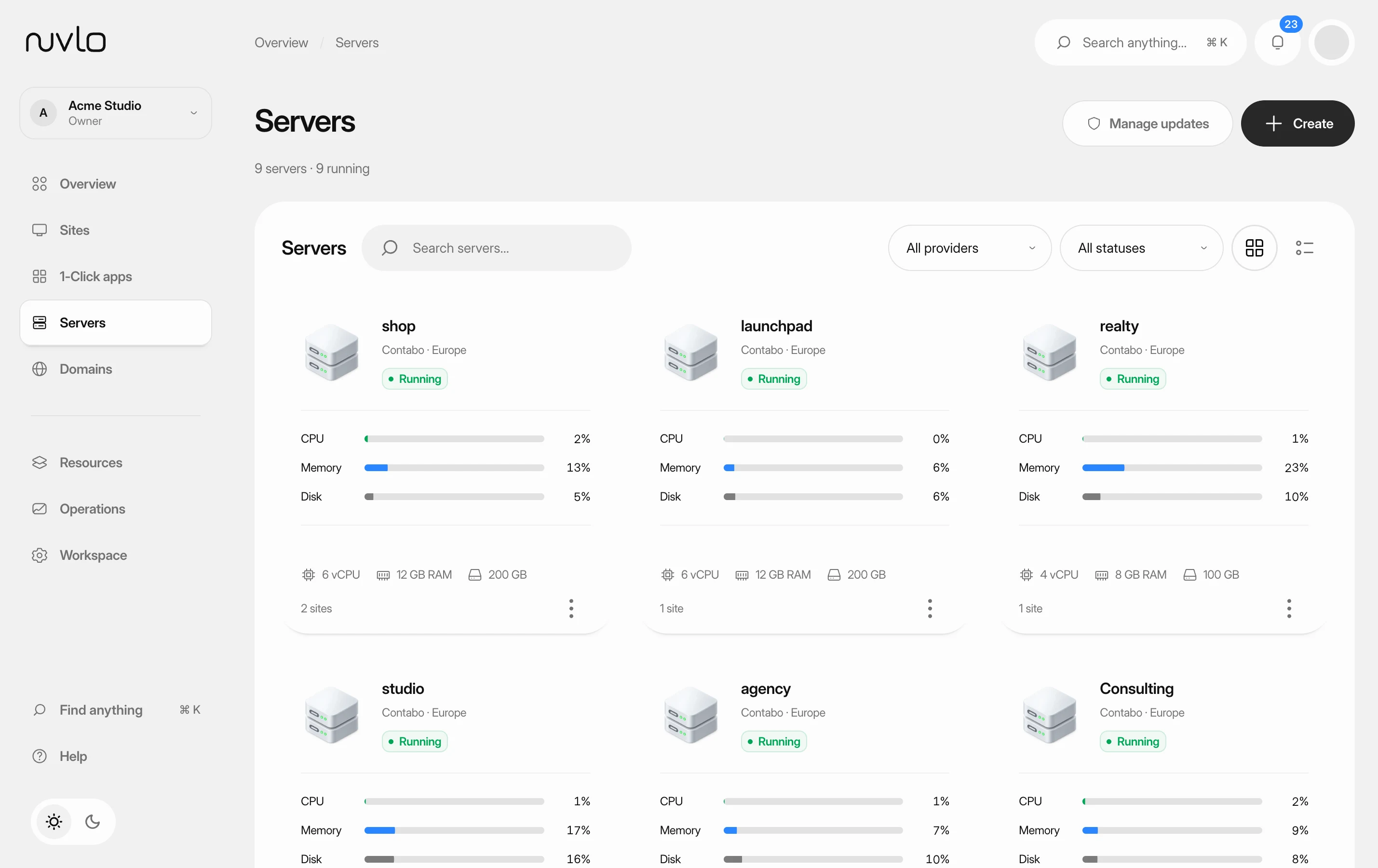 Read your server pageFind a server, check whether it's healthy, and know where each setting lives on its page.
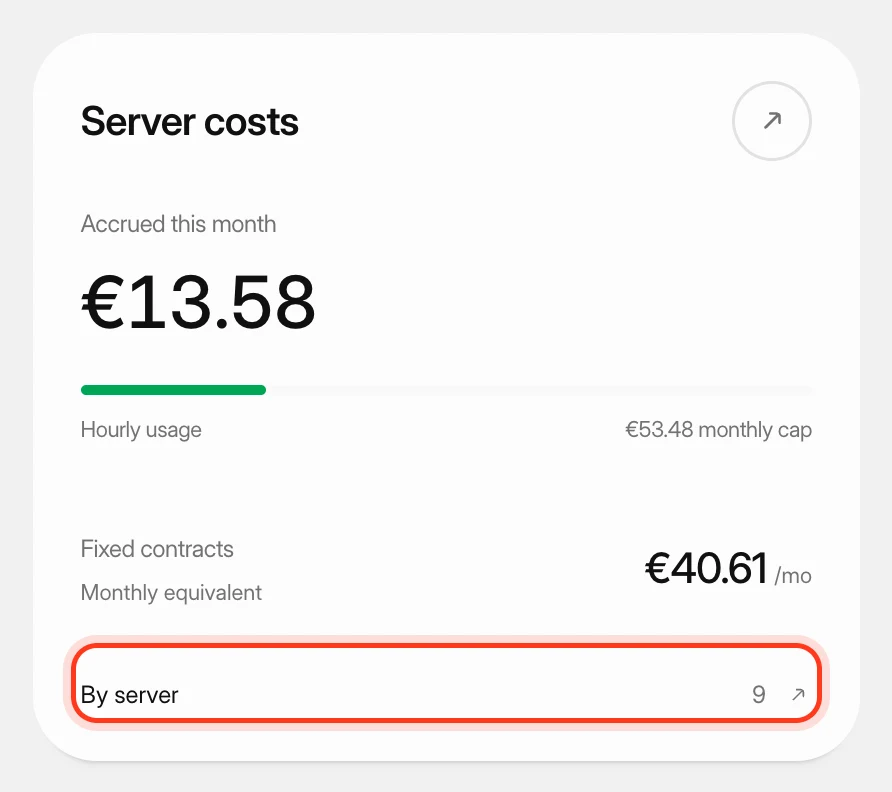 Track what your servers costSee what your servers cost at your cloud providers this month and in past months, apart from what you pay Nuvlo.
 Create and restore server snapshotsSave a full-disk restore point of a server at its cloud provider, choose when it deletes itself, and restore it over the server or into a new one.