



Track what your servers cost
See what your servers cost at your cloud providers this month and in past months, apart from what you pay Nuvlo.
On this page
Before you start
- At least one server whose plan Nuvlo can price.
Who charges what
Nuvlo creates servers in your own provider accounts. The provider bills you for each server directly, at its normal price. Nuvlo adds nothing on top.
Nuvlo only charges for your plan or license. Those charges appear under Invoices. Everything on this page is paid to your providers.
The figures are estimates from each provider's list prices. Your provider's own invoice is what you actually pay.
Step 1 Glance at this month on the overview
The Server costs card on the dashboard overview shows what has built up this month. Accrued this month counts hourly servers up to their monthly cap. Fixed contracts shows contract servers as a monthly amount.
Click By server to see the rate of each server.
Step 2 See this month per server
Open Billing and choose Server costs in the menu on the left. Server costs this month shows the total so far, the projected total for the month, and a row for each server.
- Hourly servers (Hetzner, DigitalOcean and most others) show the hourly rate and the Monthly cap. The provider stops charging once a server reaches its cap for the month.
- Contract servers (Contabo) show Fixed contract and the term. The contract price is spread evenly over the months.
Step 3 Look back at past months
Scroll down to Server costs by month. Each row is one calendar month, marked In progress for the current month or Closed for past ones. Use the year menu to filter.
Click View details to see each server in that month with its rate.
Past months are priced at today's rates and leave out servers you have deleted, so they can show less than you actually paid.
Contabo contracts
Contabo charges the whole contract term in advance, from the payment method in your Contabo account. When you create a Contabo server, the upfront total for the term you pick appears under the term options. Hover over the info icon next to it for how Contabo renews and charges.
Troubleshooting
A server could not be priced because the plan was not recognized. Nuvlo could not match the server to a plan in the provider's price list, for example a server you connected that runs on a custom or retired plan. It is left out of the totals.
No priced servers yet. None of your servers can be priced yet. Costs appear once a connected server's plan is recognized.
Related guides
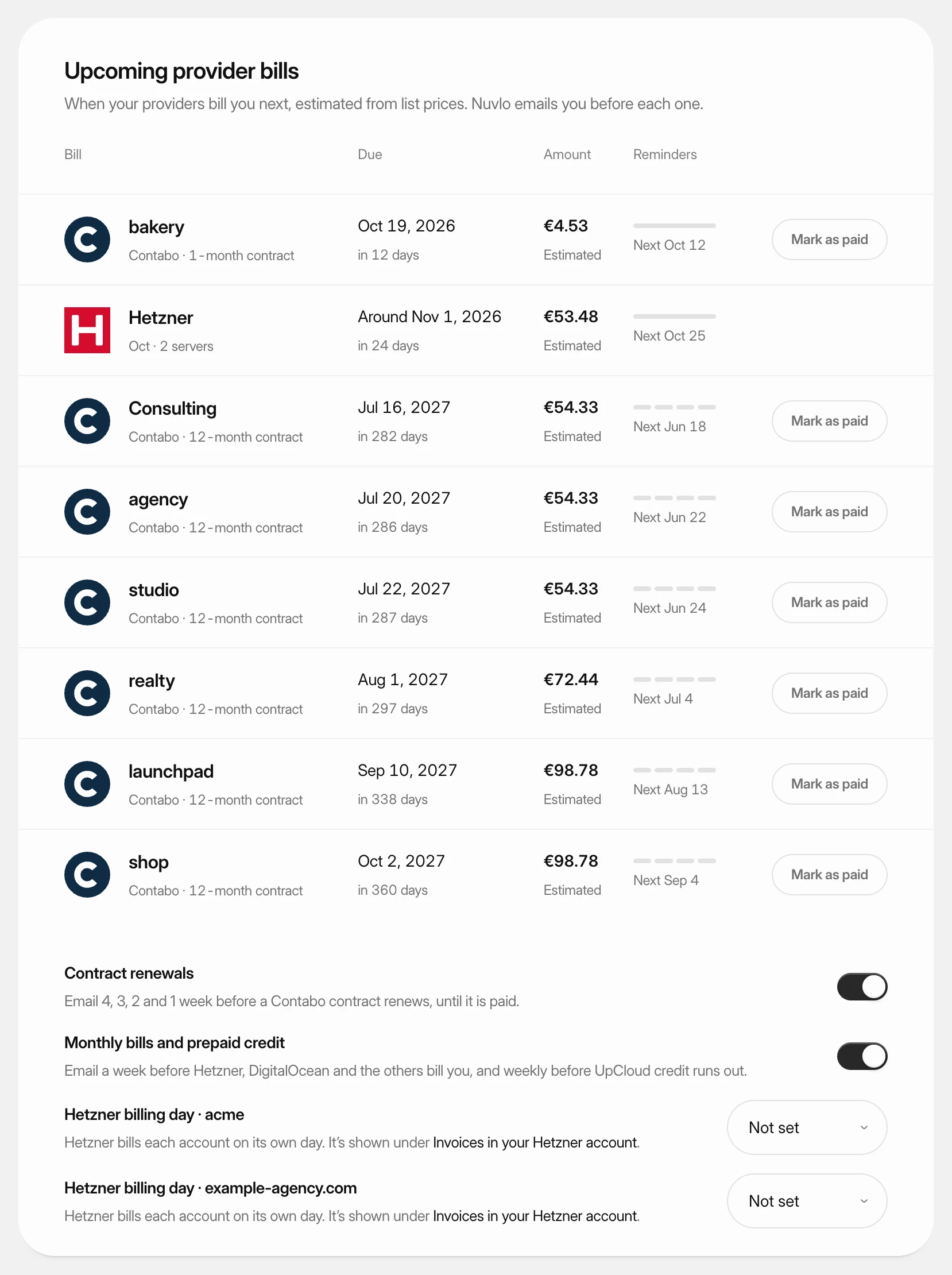 Get reminders before provider billsSee when each cloud provider bills you next and get an email before it happens, so a server never stops over a missed payment.
 Change a server's planMove a server to a bigger or smaller plan at your provider, with more or less CPU, memory and disk, without leaving Nuvlo.
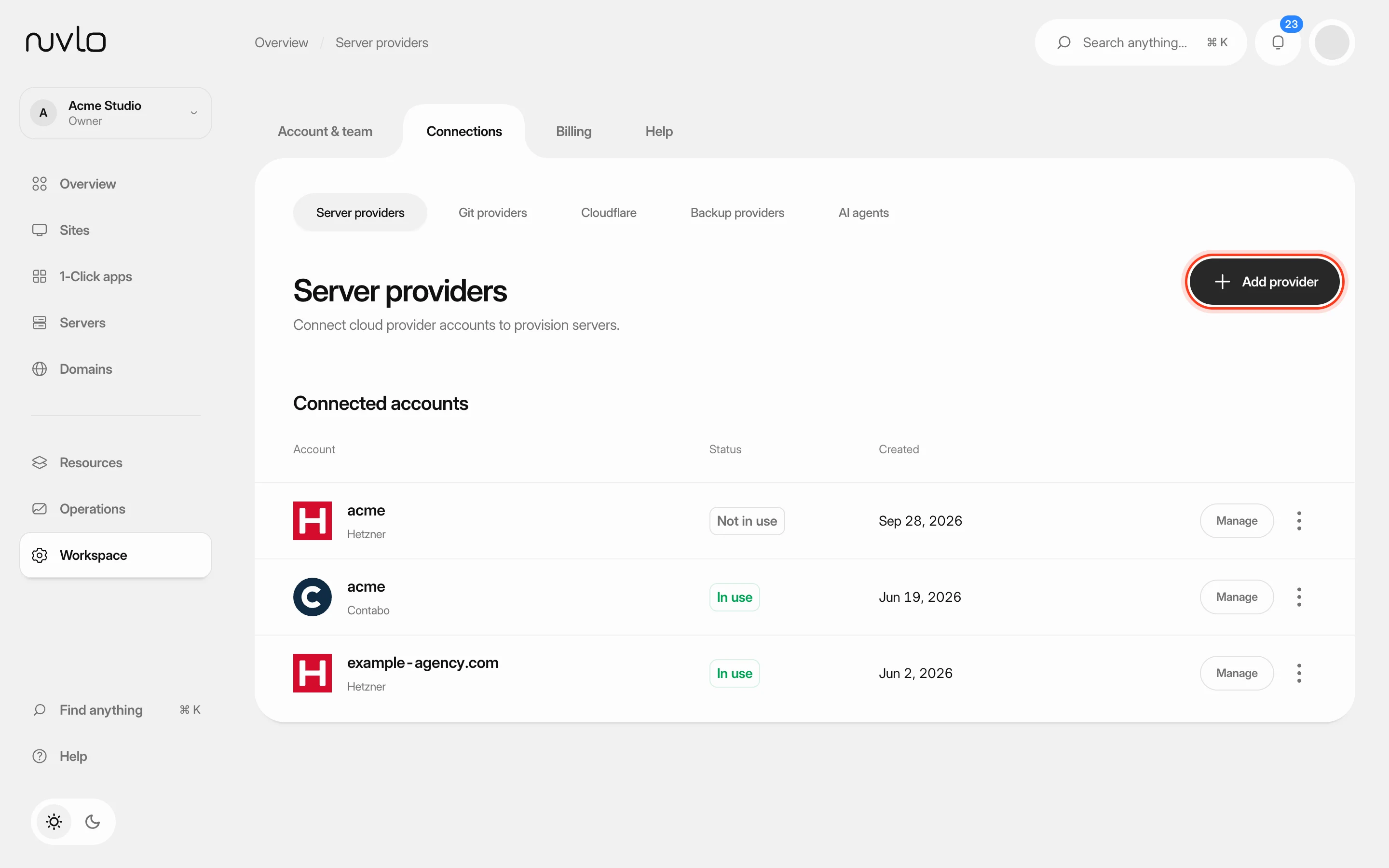 Connect a server providerConnect your own cloud account so Nuvlo can create and manage servers in it. You add an API key on the Server providers page, and Nuvlo checks it with the provider before saving it.
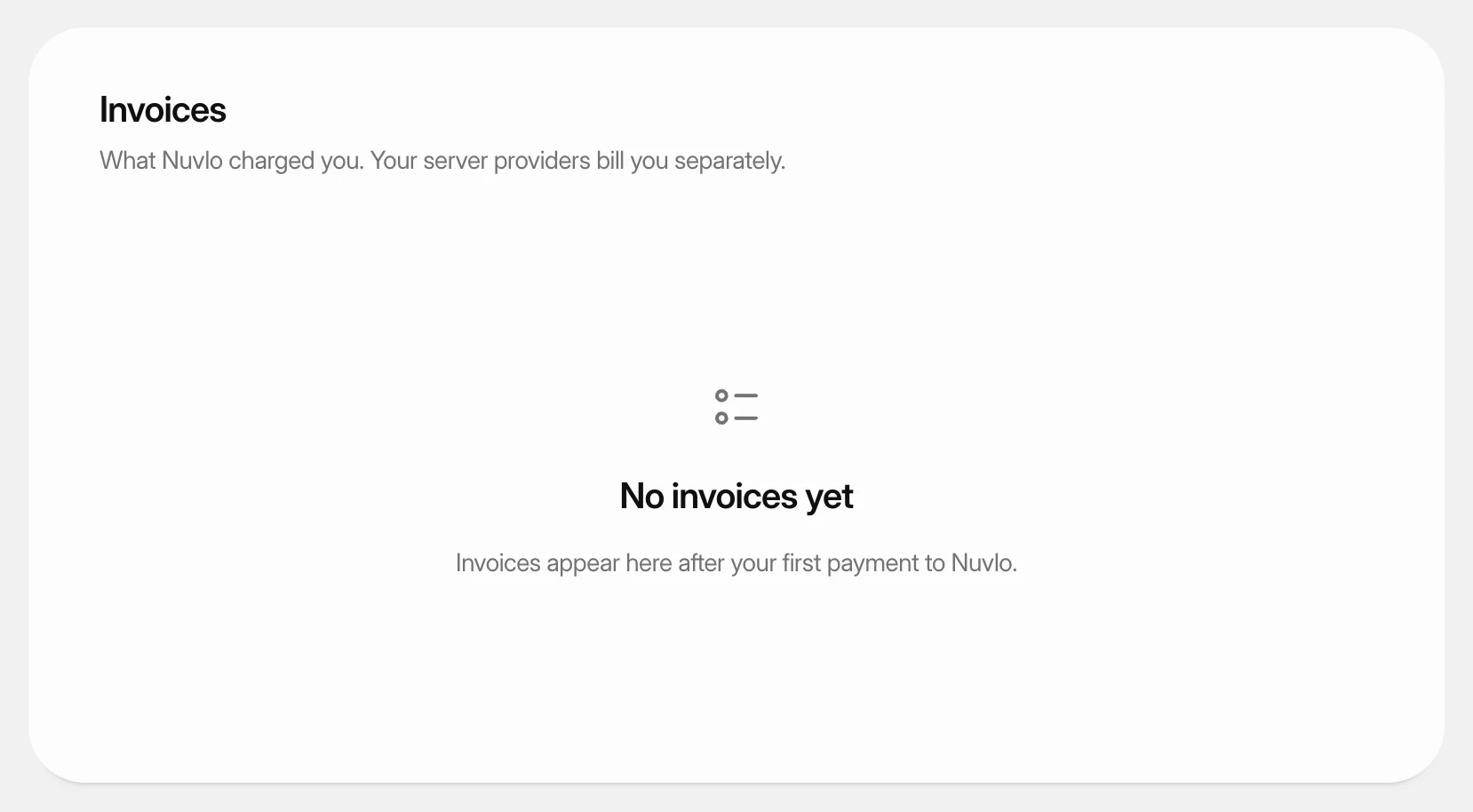 Get invoices and update payment detailsDownload the invoices Nuvlo sends you, pay an open one, and change the card, billing address or VAT ID they are issued to.