



Improve SEO and control AI bots
Let AI write better search titles and descriptions for a WordPress site's weakest pages, and decide which AI crawlers may read any of your sites.
On this page
Before you start
- For Improve SEO: a WordPress site with the Nuvlo SEO plugin installed and switched on, and AI answers left this month or your own Anthropic or OpenAI key. See AI answers.
- For AI bot rules: any WordPress site, static site, PHP site or Node.js app.
Step 1 Open Improve SEO
Open the WordPress site from Sites and click the WordPress tab. The SEO card shows the state of Nuvlo SEO. If it isn't installed or switched on, click Install Nuvlo SEO or Switch on Nuvlo SEO first.
When Nuvlo SEO version 1.2.4 or later is active and no other SEO plugin is active, the card shows Improve SEO. Click the Improve SEO button.
Step 2 Choose the pages
The dialog lists every page and product that scores below 80, with its score and the main issue. All are ticked; untick the ones to leave alone.
Above the list, Nuvlo shows what the run costs: one AI answer per page, and how many you have left this month. Pages written before and unchanged since open again without an answer. With your own Anthropic or OpenAI key, nothing is counted against your plan. On the Free plan or a lifetime license, writing needs your own key.
Click Write improvements for followed by the number of pages.
Step 3 Check the improvements
For each page, AI suggests a Search term, a Title in Google, a Description in Google and a Summary for AI answers. Products with almost no text also get a new product text; tick Replace the product text to use it. The old text is kept in WordPress.
Edit anything that isn't right. The score next to each page shows the current score and the score with your changes. Untick a page to leave it as it is.
Step 4 Save to the site
Click Save followed by the number of pages. Nuvlo saves the changes in WordPress and shows the new scores. Google picks up the new titles the next time it visits the pages.
Set rules for AI bots
For a WordPress site, open the Security tab and scroll to AI bots on this site. For a static site, PHP site or Node.js app, open Security and then AI crawlers.
Under Rules, choose what each group of AI bots may do: Allow (no limit), Slow down (about 20 pages a minute per bot) or Block (refused with 403).
| Group | What these bots do |
|---|---|
| Training crawlers | Copy pages to train AI models. Blocking them keeps your content out of future models and doesn't remove you from AI answers. |
| AI search | Index pages so AI search can quote and link them. Blocking them removes your site from those answers. |
| Read on request | Open a page because a person asked an AI about it. |
| Browsing agents | Act for a person: click through pages, fill in forms, buy. |
Click Apply AI bot rules to the site. From then on, the card above shows each bot's share of requests, the data sent to AI bots, server time and refused requests. Even with every group allowed, visits are counted once rules are applied.
To change the rules later, click Apply rule changes to the site. Remove AI bot rules removes them and stops the counting.
Bots are recognized by the name they send, so a scraper that hides its name isn't affected.
Related guides
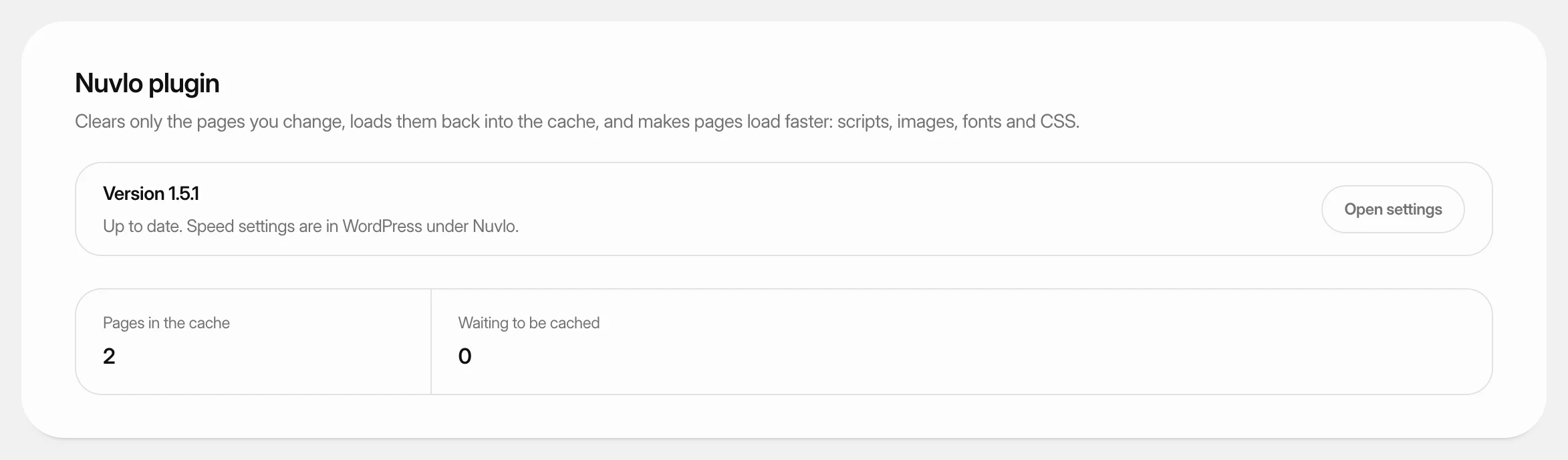 Use the Nuvlo plugins for WordPressLearn what the Nuvlo plugin and Nuvlo SEO do on your WordPress sites, how to install or update them from the dashboard, and where their settings are.
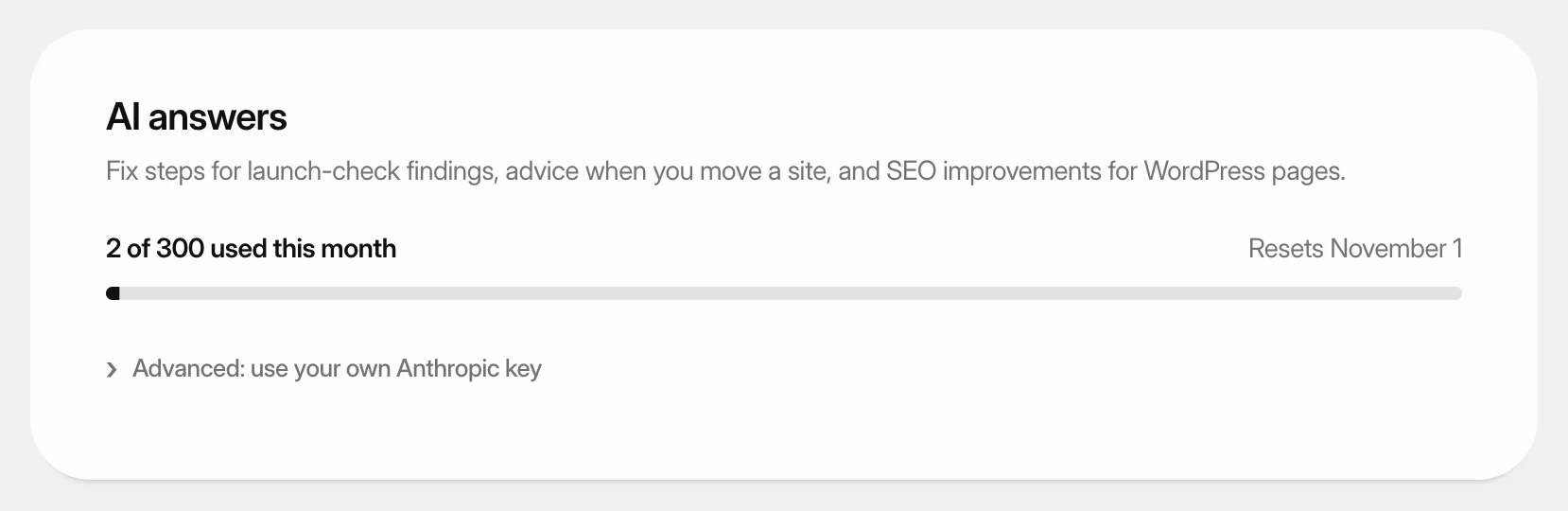 Use AI answersSee how many AI answers your plan includes this month, or use AI with your own Anthropic or OpenAI key.
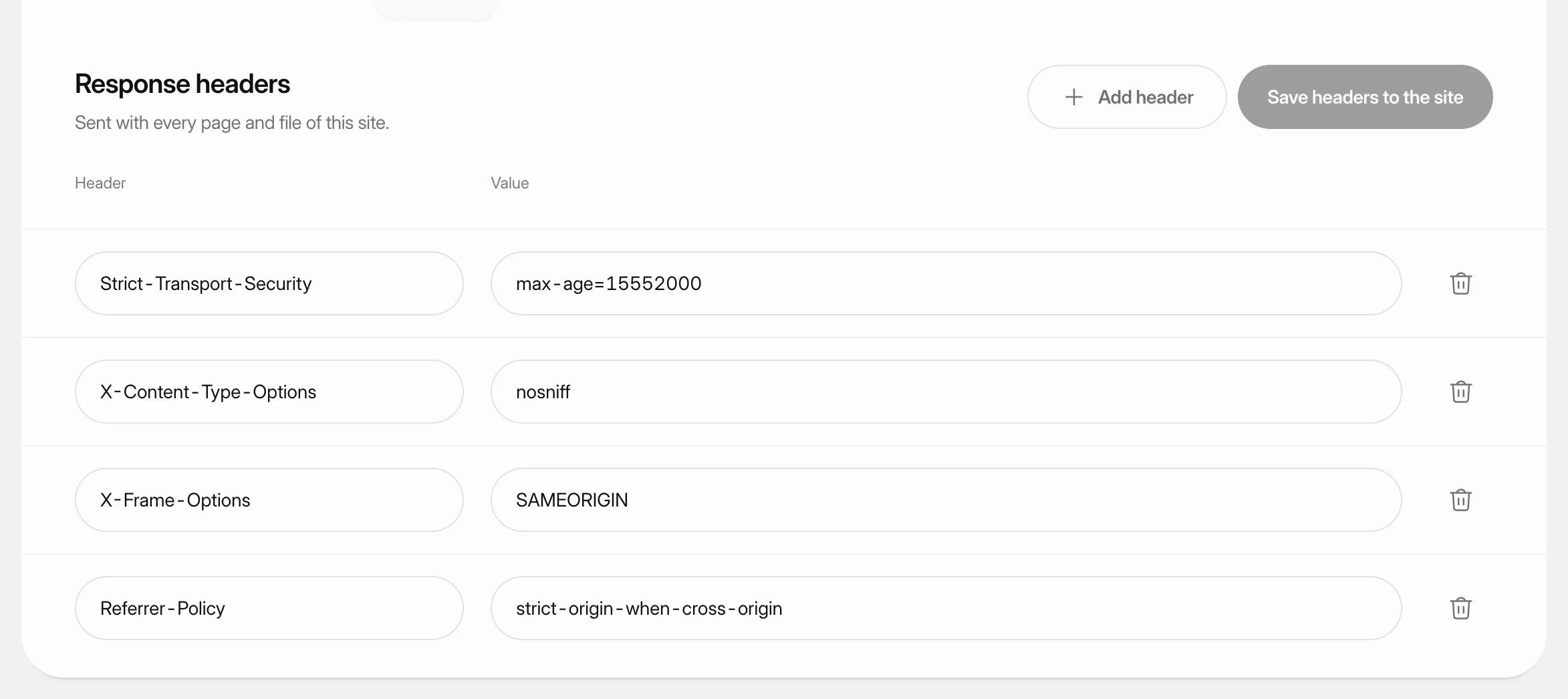 Set response headersChoose the security and policy headers a static site, PHP site or Node.js app sends with every page and file, such as a Content Security Policy.