



Change PHP and routing settings
Set the PHP version, PHP workers and limits of a PHP site, control how page addresses are routed, and use Laravel's maintenance mode and Artisan from the dashboard.
On this page
Before you start
- A PHP site or static website in Nuvlo.
- Permission to manage sites in your Nuvlo account.
Step 1 Open the PHP or Routing tab
Open the site from Sites. PHP sites have a PHP tab, static websites a Routing tab.
Step 2 Change the settings
For a static website, the Routing card has two switches: Single-page app, which sends every address to index.html, and Links without .html.
For a PHP site, the PHP settings card has these fields:
| Field | What it does |
|---|---|
| PHP version | The PHP version the site runs on. |
| PHP worker mode | On demand starts workers per request and uses the least memory when idle. Dynamic keeps a few workers warm. Static always runs the maximum. |
| PHP workers | Maximum simultaneous requests, 1–200. Default 5. |
| Memory limit (MB) | Memory one request may use, 64–8192. Default 256. |
| Upload size (MB) | Largest file upload, 1–2048. Default 64. |
| Max execution time (s) | Time limit per request, 10–3600 seconds. Default 60. |
Below the fields are switches for the deploy steps: Send every page through index.php, Links without .html (when the previous one is off), Install PHP packages (runs composer install), and Build CSS and JavaScript. Laravel sites also get Update the database on deploy, Speed up Laravel (php artisan optimize), Scheduled tasks and Horizon, which keeps Laravel Horizon running and needs laravel/horizon in the project.
Step 3 Save the settings
Click Save PHP settings or Save routing. On a deployed site the change is applied to the server right away: Saved and applied to the server. Before the first deploy it reads Saved. The next deploy applies it.
Runtime controls for PHP sites
The Runtime card at the top of the PHP tab shows whether PHP is answering requests and how many background processes are running. Click Refresh to check again.
- Reload PHP reloads the site's PHP processes.
- Restart processes restarts queue workers, Horizon and daemons. See Run background processes and cron jobs.
- Turn on maintenance mode (Laravel) shows visitors Laravel's maintenance page until you click Bring site online.
- Artisan (Laravel) runs a command such as
migrate:statusin the live release as the site's user. Click Run command to see its output. Clear caches clears Laravel's caches.
Related guides
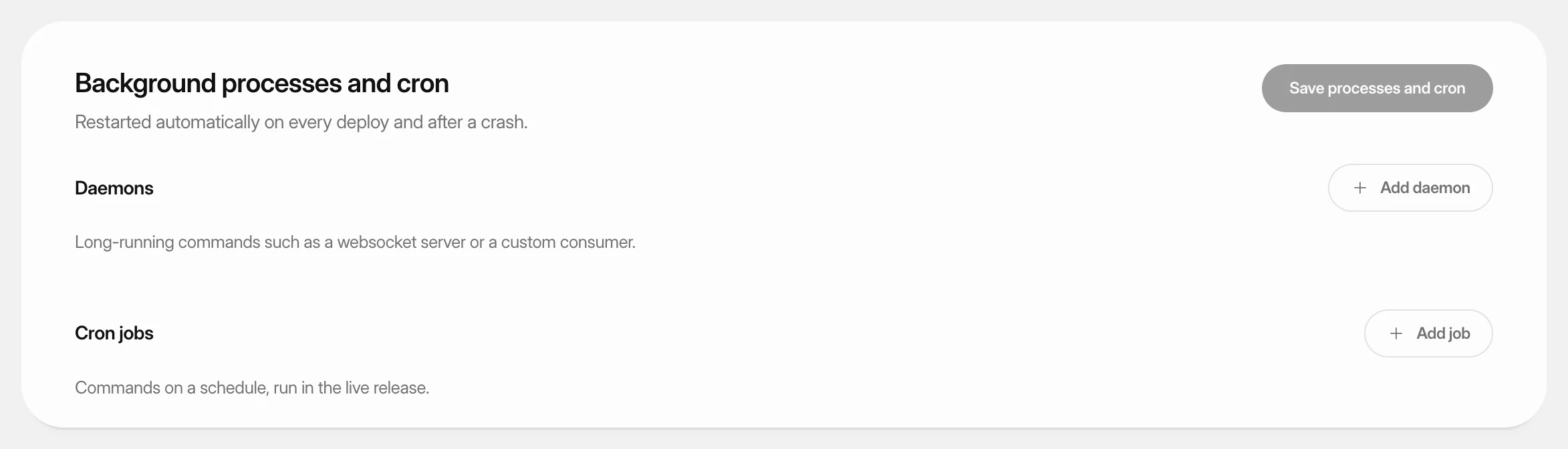 Run background processes and cron jobsKeep Laravel queue workers and other long-running commands running for a PHP site, and run commands on a schedule.
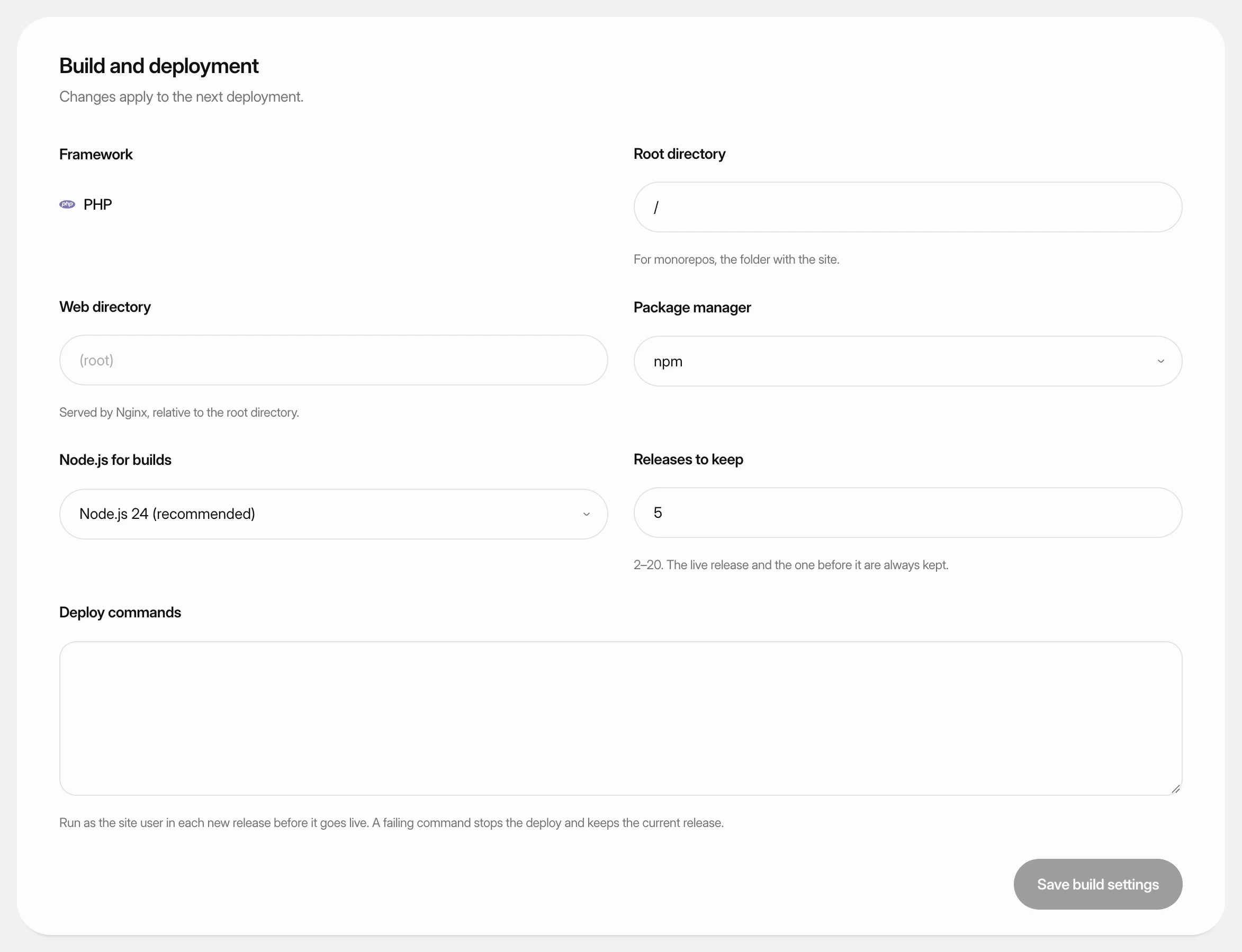 Change build settingsAdjust how Nuvlo builds and releases a static site, PHP site or Node.js app: folders, build command, package manager, Node.js version and how many releases to keep.
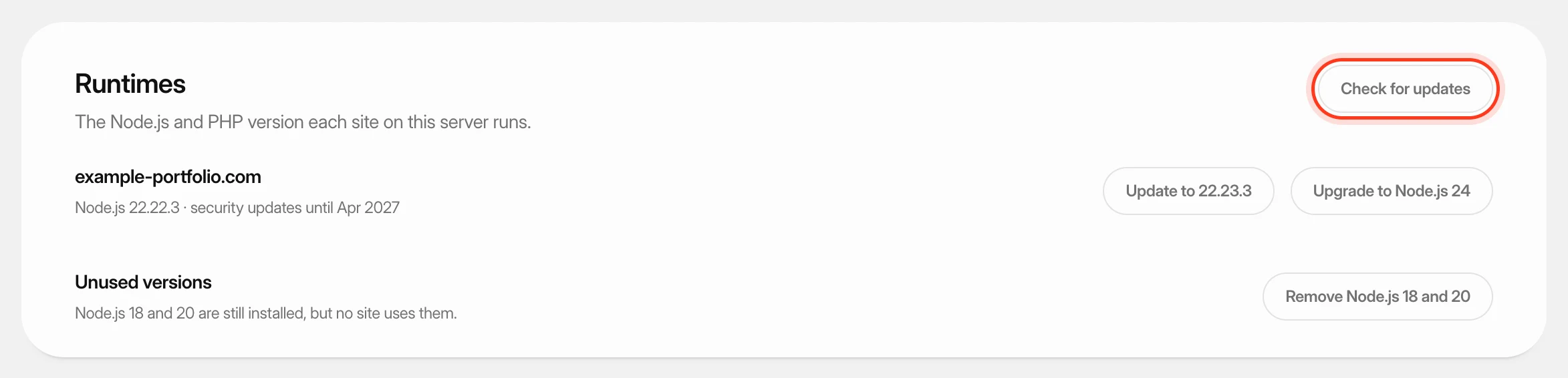 Update PHP and Node.js versionsSee which PHP or Node.js version each site on a server runs, apply security updates, and upgrade sites to a newer version after a compatibility check.