



Edit a WordPress site’s Nginx configuration
Change the web server rules for a WordPress site, for example to add a redirect. Nuvlo checks your changes and rolls back anything invalid.
Before you start
- The owner or admin role in the account.
- Some knowledge of Nginx configuration.
Step 1 Open the editor
Open the site, click Settings and scroll to Nginx configuration. Click Edit configuration. The site’s current configuration loads into the editor.
Step 2 Make your change
Edit the text. To start over, click Discard changes, which loads the current file again.
Step 3 Save and reload
Click Save and reload Nginx. Nuvlo tests the configuration before using it.
If Nginx rejects it, you see Nginx rejected the config. The previous config was restored. with the error, and nothing changes for visitors.
A valid configuration can still break the site, for example with a wrong redirect, so open the site right after saving.
Good to know
- The configuration can be up to 100 KB.
- API tokens can’t change it. Sign in to the dashboard instead.
- For firewall rules, bot blocking and the sign-in page, use the Protection card instead. See Protect a WordPress site.
Related guides
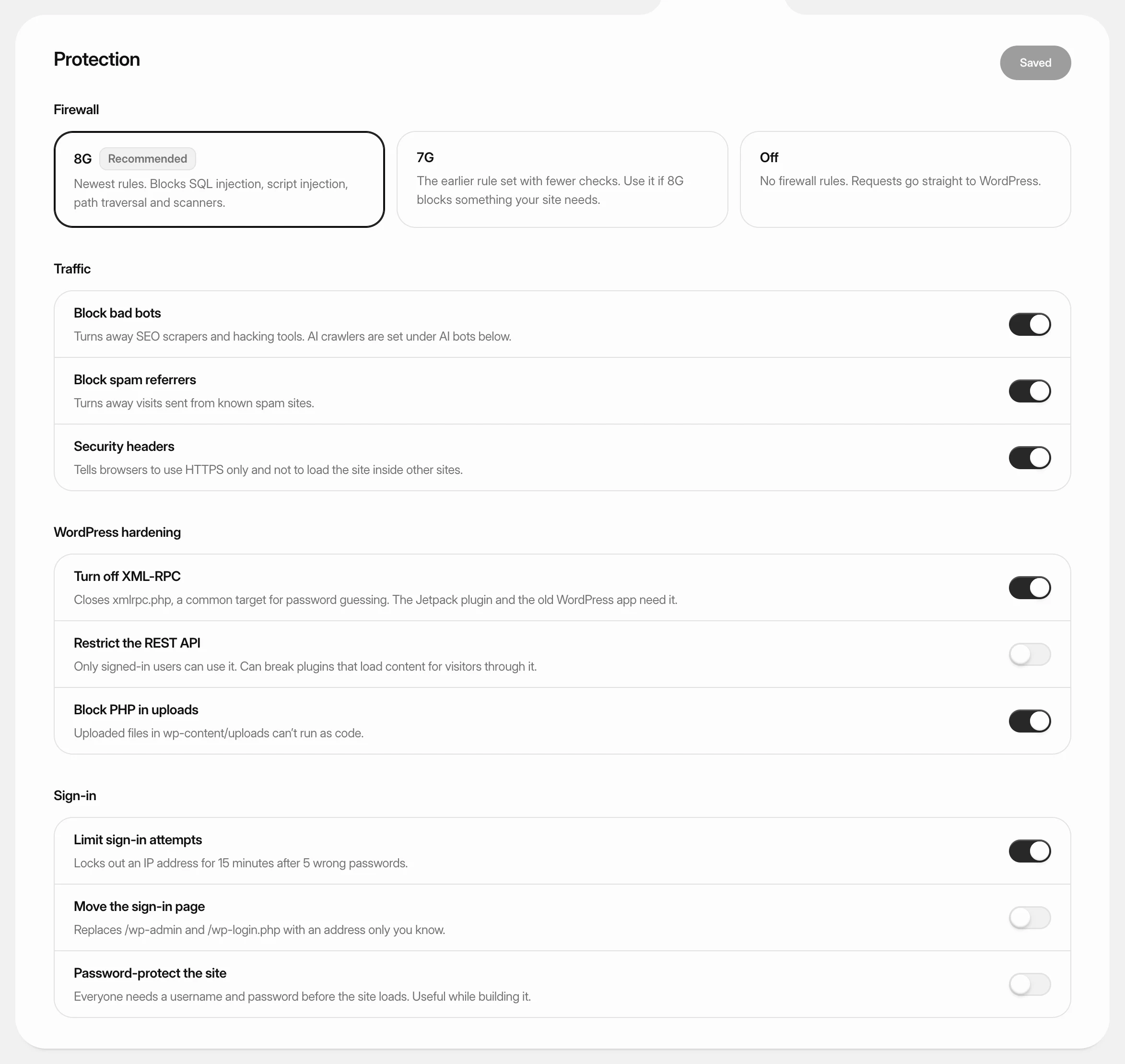 Protect a WordPress siteTurn on a firewall, block bad bots, harden WordPress and protect the sign-in page from a WordPress site’s Security tab.
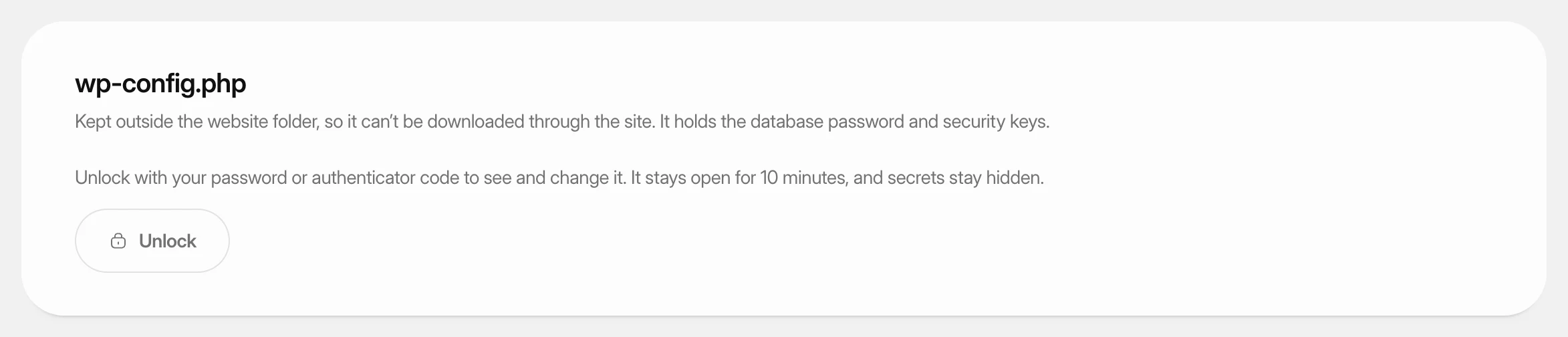 Change wp-config.php settingsView and change the settings in a WordPress site’s wp-config.php from the dashboard, and add your own constants, without touching the file by hand.
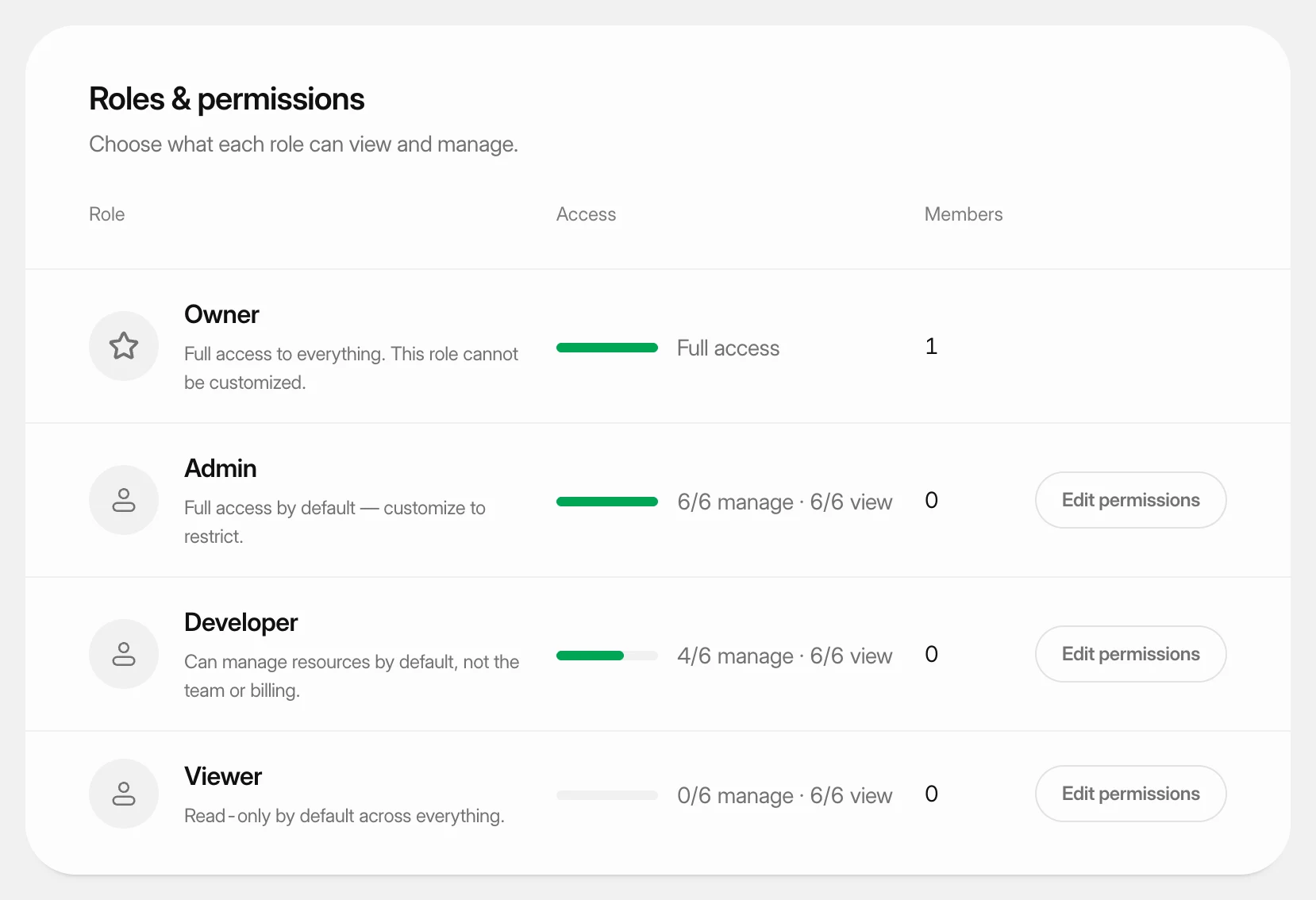 Set what each role can doUnderstand the four team roles and change what the Admin, Developer and Viewer roles may view and manage in your workspace.