



Change wp-config.php settings
View and change the settings in a WordPress site’s wp-config.php from the dashboard, and add your own constants, without touching the file by hand.
On this page
Before you start
- The owner or admin role in the account. Developers and viewers can’t open wp-config.php.
- Your Nuvlo password, or your authenticator app if two-factor sign-in is on.
- A running WordPress site in Nuvlo.
Step 1 Open the wp-config.php card
Open the site and click the Settings tab. The wp-config.php card is below PHP.
Nuvlo keeps wp-config.php outside the site’s web folder, so it can’t be downloaded through the site.
Step 2 Open it
Click Open wp-config.php. Nuvlo reads the file from the server; passwords and keys stay hidden.
Step 3 Change a setting
Under Settings you can change, edit the value next to a name. Rows marked Default are Nuvlo defaults you can change but not remove. On a new site they include:
| Setting | New sites start with |
|---|---|
WP_POST_REVISIONS | 10 |
EMPTY_TRASH_DAYS | 14 |
DISALLOW_FILE_EDIT | true (no theme and plugin file editor in WordPress admin) |
WP_AUTO_UPDATE_CORE | minor |
WP_MEMORY_LIMIT | 256M |
WP_MAX_MEMORY_LIMIT | 512M |
Numbers, true, false and null are saved as they are. Anything else is saved as text. Put a value in quotes to keep it as text.
Step 4 Add your own setting
Click Add setting, type a name in capital letters, digits and underscores, for example MY_SETTING, and a value. Remove your own settings with the bin button.
Some names can’t be set here, because Nuvlo manages them: database settings, security keys and salts, the site address, Redis settings and DISABLE_WP_CRON. For WP_DEBUG and related settings, use the Debug log switch instead. See Change PHP settings.
Step 5 Save and close
Click Save wp-config.php. Nuvlo checks the file before using it:
- A change that would break the file isn’t saved.
- If the site stops working with the change, Nuvlo puts the previous settings back and tells you the error the site answered with.
- If someone else changed the file since you opened it, reload and make your change again.
Click Lock when you’re done to close the file again.
Managed by Nuvlo
The Managed by Nuvlo list shows settings that change through their own dashboard settings: domain, PHP, debug log and caching. Passwords and keys show as Hidden and never leave the server.
wp-config.php can only be opened in the dashboard, not with an API token.
Related guides
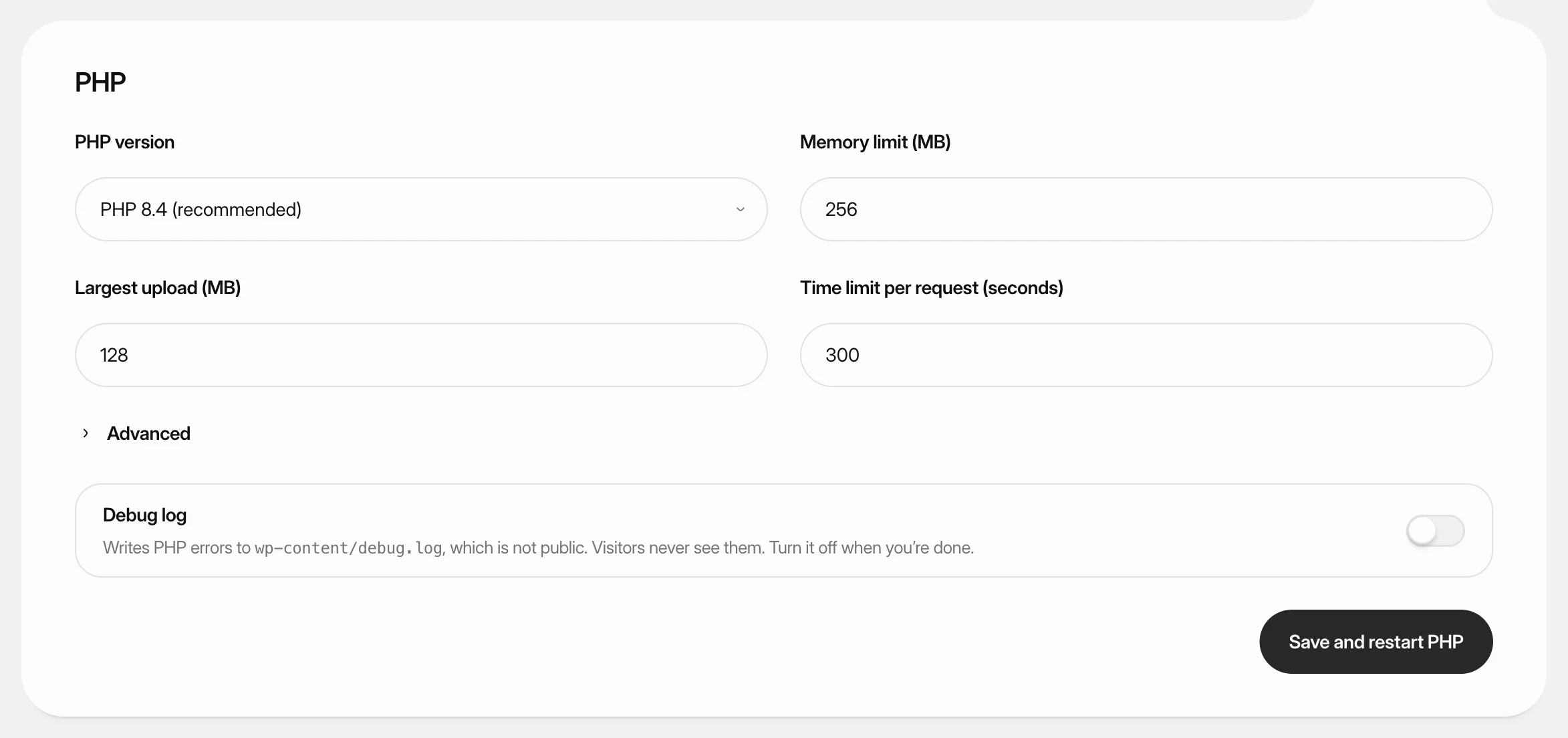 Change PHP settings for WordPressSwitch a WordPress site to another PHP version, raise its memory, upload and time limits, and turn on the debug log.
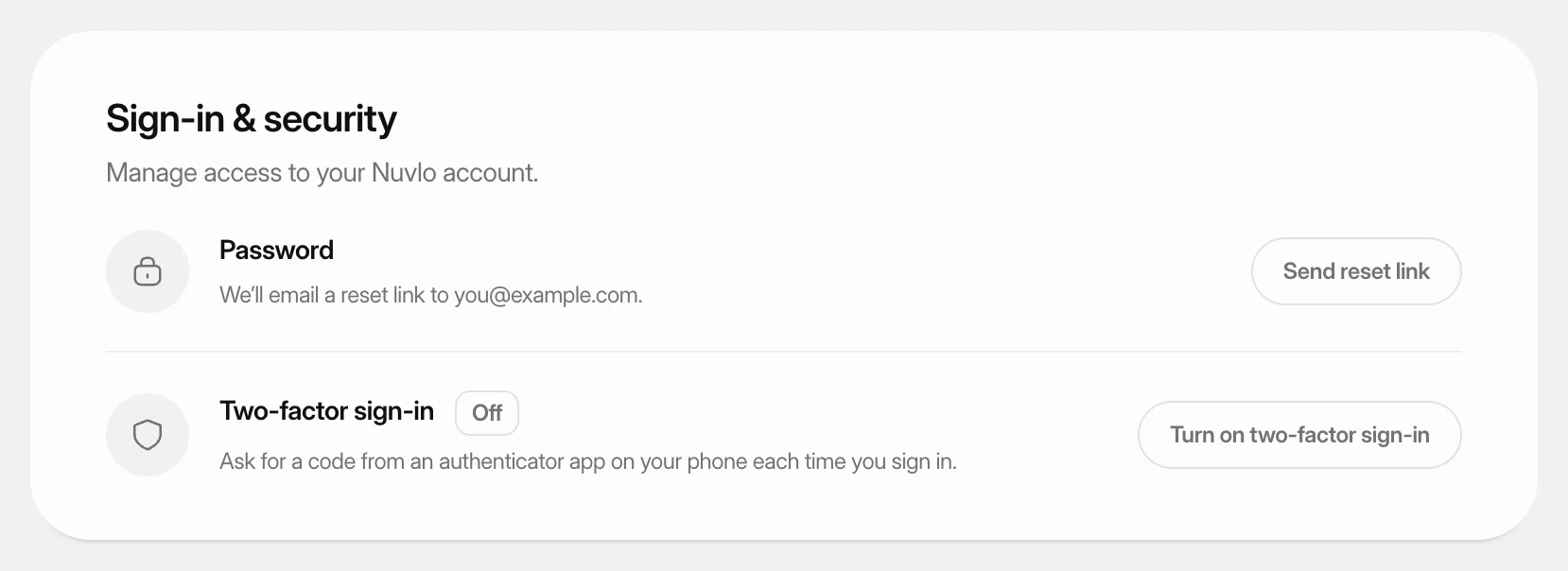 Turn on two-factor sign-inProtect your Nuvlo account with a code from an authenticator app. Nuvlo asks for the code when you sign in.
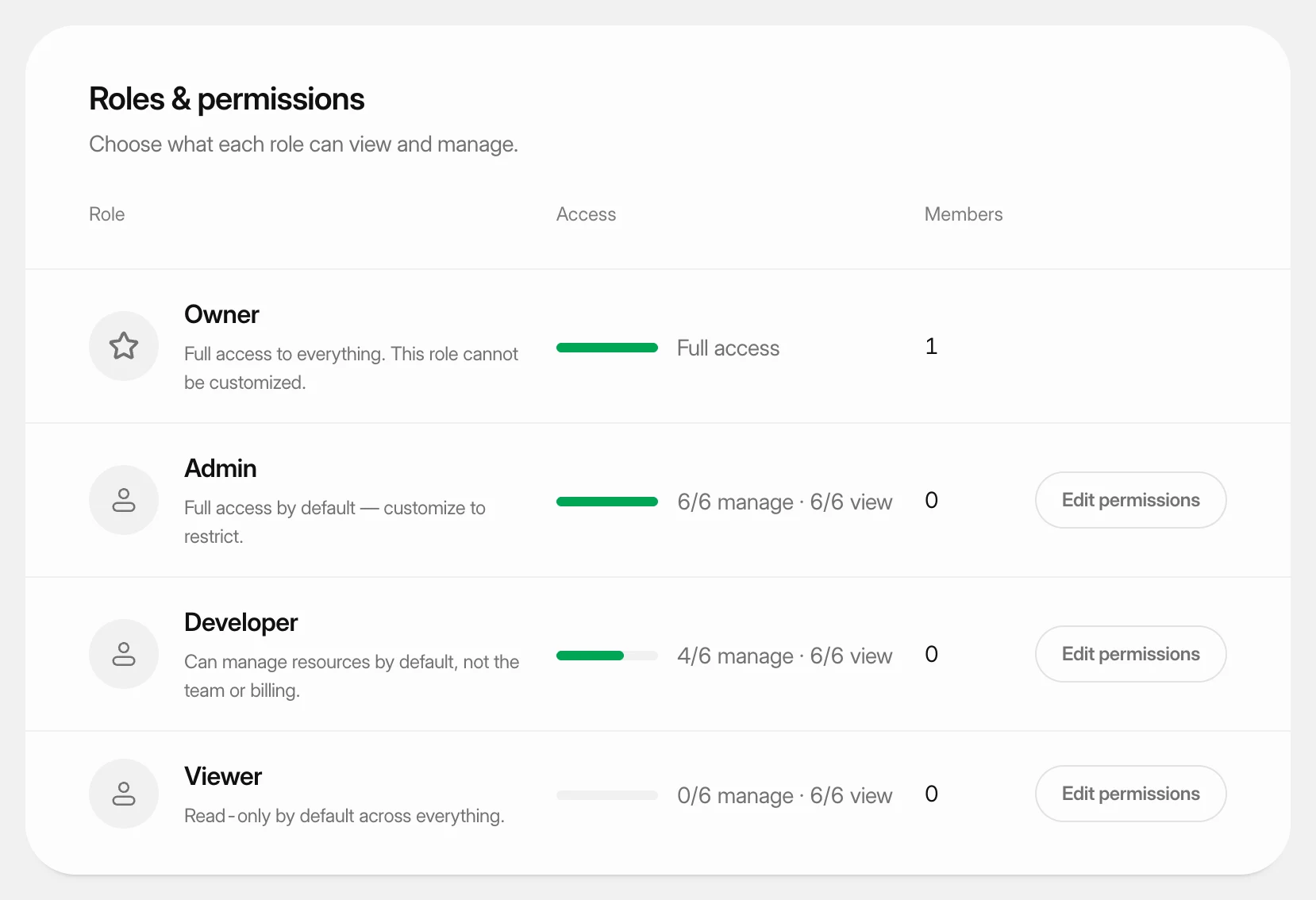 Set what each role can doUnderstand the four team roles and change what the Admin, Developer and Viewer roles may view and manage in your workspace.