



Browse WordPress databases with phpMyAdmin
Turn on a password-protected phpMyAdmin console for the WordPress databases on a server, sign in to it, and turn it off again when you're done.
On this page
Before you start
- The owner or admin role in the account. The console opens every WordPress database on the server, so other roles can't set it up.
- A server with at least one WordPress site.
Step 1 Open the server's settings
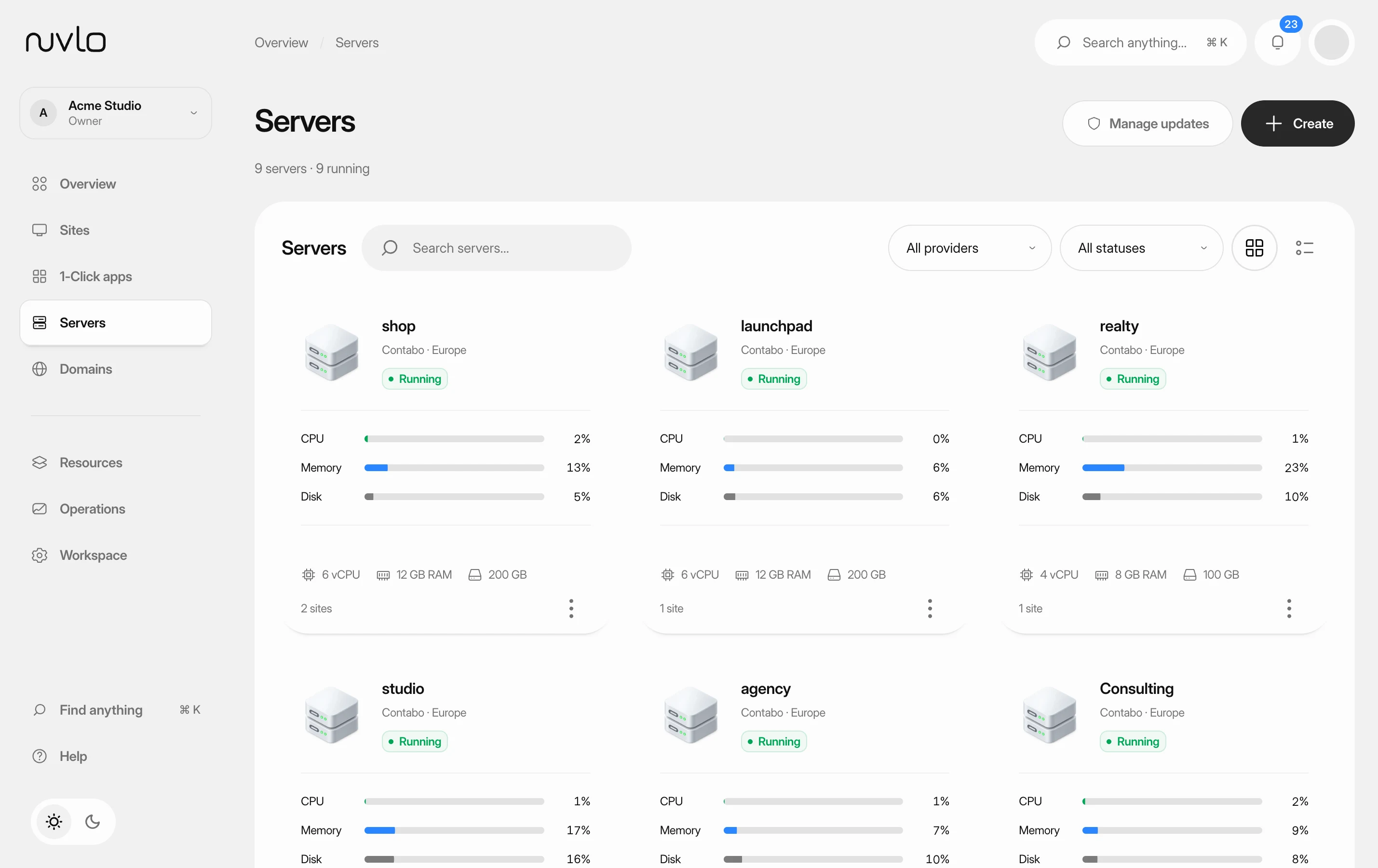
Open Servers, click the server and open the Settings tab. Find the WordPress database administration card. It only appears on servers that have WordPress sites.
Step 2 Set an access password
Enter an Access password of at least 12 characters, or click Generate password to fill in a strong one.
ImportantThe password can't be looked up later because Nuvlo doesn't store it. Copy it now.
Step 3 Turn on the console
Click Turn on database console. In Enable database administration?, click Turn on database console again. When it's done, the card shows Enabled.
Step 4 Open phpMyAdmin
The card now shows the Console URL and the Username. Click Open phpMyAdmin. Your browser asks for a username and password: enter the username from the card and the access password from step 2.
phpMyAdmin then lists the database of each WordPress site on the server. Each site keeps its own database and user; the console is only a view onto them.
Step 5 Turn the console off when you're done
Click Turn off database console and confirm. Nuvlo removes the console and its login. Your sites and their databases keep running as before.
Good to know
- Sites you deploy after turning on the console aren't included automatically. Enter a new password and click Replace console login to add them.
- Forgot the access password? Set a new one the same way with Replace console login. The old login stops working.
Related guides
 Find database credentialsLook up the host, port, database name, user and password of a standalone database or a WordPress site's database, and connect to a standalone database from your computer.
 Create a WordPress siteInstall a new WordPress site on one of your servers, with its own database, Redis cache and HTTPS. It takes four short screens and a few minutes of setup.
 Read your server pageFind a server, check whether it's healthy, and know where each setting lives on its page.